NETGEAR is aware of a growing number of phone and online scams. To learn how to stay safe click here.
Forum Discussion

BretD
Oct 24, 2019Administrator
BR500 VPN Currently Experiencing Intermittent Connectivity Issues - Reply Thread
Update Oct 30, 2019
Dear NETGEAR BR500 customers,
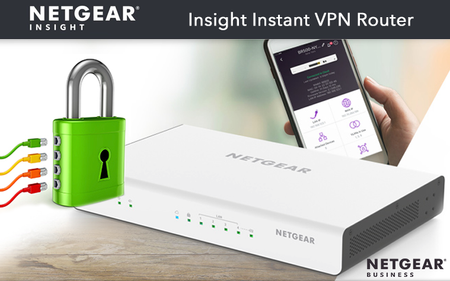
Over the past two weeks we have experienced extreme instability with our VPN cloud ecosystem. We believe it is due to the scale of custo...

MrJoshW
Oct 13, 2020NETGEAR Employee Retired
rjwerth28,
What is the issue that you are running into? Unable to connect? Manage VPN groups? Do you have a screenshot of the error?
rjwerth28
Oct 15, 2020Guide
Looks like I'm finally back up and running after being down for a week+.
The issue is always the same. I get a Broken Connection indicator on my Insight App on my phone which means I no longer have connection between my two sites. When that happens, I do not get off-site backups on my file server nor can I access anything on either site remotely.
 YeZOct 15, 2020NETGEAR Expert
Sorry for the inconvience this has brought to you.
Your issue was due to the artifact on some BR500s when last time we had the VPN server stability issue, your two BR500 routers were connected to two different proxy servers and couldn't establish the site-2-site connection. A reboot of both routers should make them connect to the same server to re-establish the connection.
Next time, after we bring back the service to operational, if you still see broken connection, please try to reboot both sides. If that still does not work, you can contact us.
Thank you for your understanding.
Related Content
NETGEAR Academy

Boost your skills with the Netgear Academy - Get trained, certified and stay ahead with the latest Netgear technology!
Join Us!
