NETGEAR is aware of a growing number of phone and online scams. To learn how to stay safe click here.
Forum Discussion

Fandango2022
Nov 03, 2022Apprentice
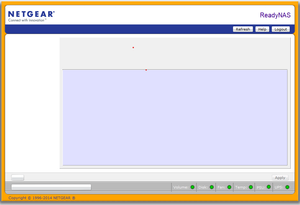
ReadyNAS 2100 FrontView blank page - Firmware 4.2.31
Hi, Not sure If I am in the right place but here goes as I need some help. I have three readyNAS 2100's. I have had no issue installing OS6 on the first two. This third one did not like it an...

StephenB
Nov 27, 2022Guru - Experienced User
Fandango2022 wrote:
At this point I am supposed to be mounting the USB , so how do I easily identify the drive name for the USB on my machine to use here? Is there a command? I have had difficulty finding commands for disk info.
lsblk should list all the disks (and their partitions).
Fandango2022
Nov 27, 2022Apprentice
I get the following when I try this... I have entered the lsblk command after I have created the USB directory.
# lsblk
-sh: lsblk: not found
Related Content
NETGEAR Academy

Boost your skills with the Netgear Academy - Get trained, certified and stay ahead with the latest Netgear technology!
Join Us!
