NETGEAR is aware of a growing number of phone and online scams. To learn how to stay safe click here.
Forum Discussion

KennethP
Apr 27, 2019Aspirant
Cannot enable Circle on my newly RBK40
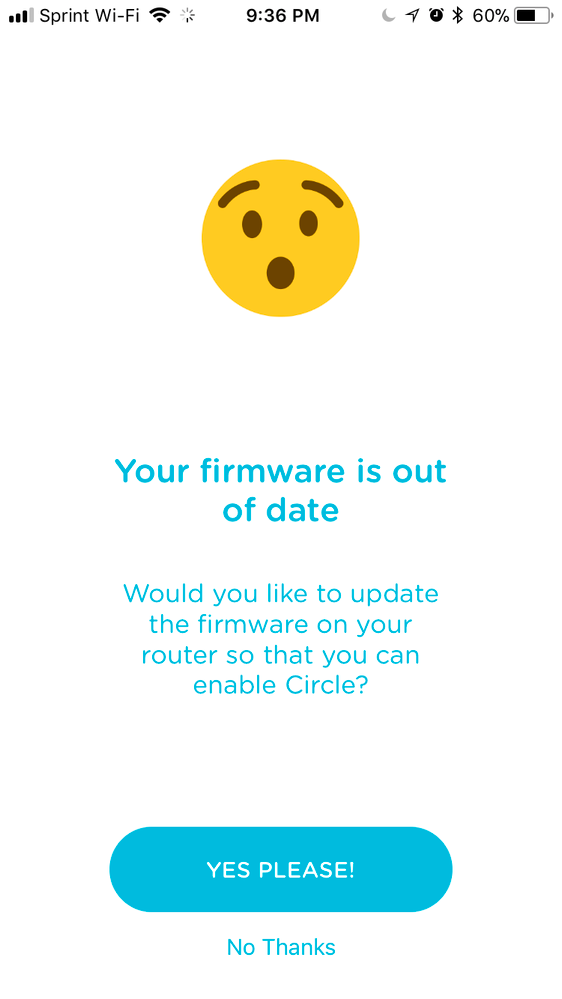
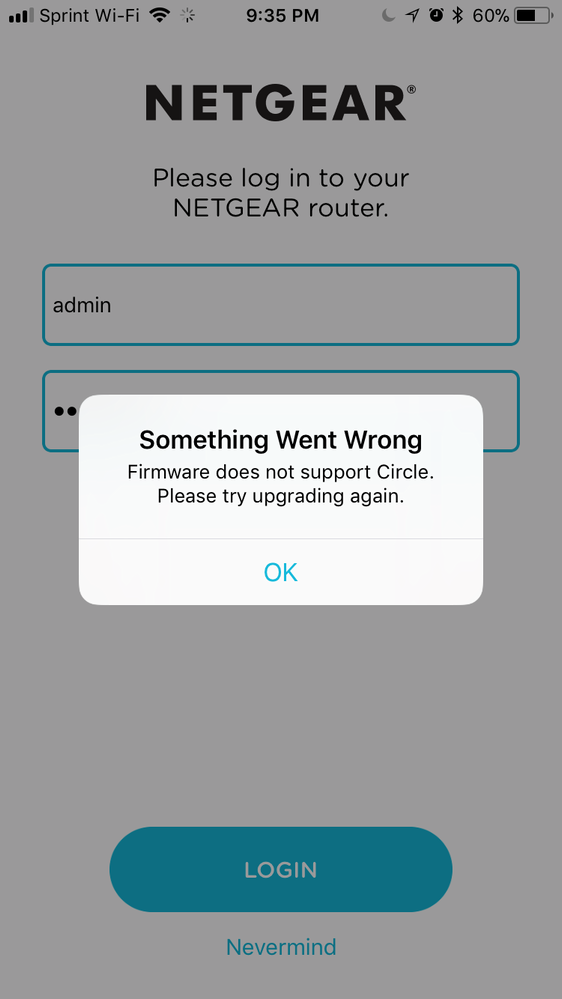
After successfully installed RBK-40 Orbi Router & Satellite with firmware V2.3.1.48 vir IE on my PC, After I click on parental controls, only redirected to https://www.netgear.com/lpc. Then I tried to install the Circle app on my iphone x, but show the firmware is out of date. I also tried to downgrade the firmware to the previous version and manually upgrade the firmware to the latest version V2.3.1.48, but it also failed to enable Circle. Please help........
5 Replies
- ekhalilMaster
- Is Orbi set to Router or AP Mode?
- If you are in Router Mode then you should get this page when you click on Parental Control in the advanced settings:
3. Do you see the Parental Control activation switch when you use Orbi app and go to Home >> Settings >> Parental Control?
- KennethPAspirant
The Orbi is in Router Mode.
I can't find Parental Control activation switch in the advanced settings or Orbi app.
If I select Parental Control in advanced settings > Security , it will pop-up a new window and go to below web site.
- ekhalilMaster
Your Orbi seems to have some data corruption then. Please factory reset the router.
- FURRYe38Guru - Experienced User
Try a re-load of FW on the RBR, factory reset then setup from scratch. If you still can't get Circle enabled, please post about this here:
https://community.netgear.com/t5/Circle-Smart-Parental-Controls/bd-p/en-home-circle
KennethP wrote:
After successfully installed RBK-40 Orbi Router & Satellite with firmware V2.3.1.48 vir IE on my PC, After I click on parental controls, only redirected to https://www.netgear.com/lpc. Then I tried to install the Circle app on my iphone x, but show the firmware is out of date. I also tried to downgrade the firmware to the previous version and manually upgrade the firmware to the latest version V2.3.1.48, but it also failed to enable Circle. Please help........

