NETGEAR is aware of a growing number of phone and online scams. To learn how to stay safe click here.
Forum Discussion

bhurt
Mar 10, 2019Aspirant
Orbi settings for nest protect
I cannot get my Nest Protects to connect to my Orbi router. I have tried every suggestion on the message boards and the Nest websites. I tried talking with Nest support but it was not helpful. I am on the verge of going to get a new router that would hopefully be compatable. or I'm hoping someone knows the exact way to confirgure my router so it will connect. Any help is appreciated!
22 Replies
- ekhalilMaster
Likely, this is because Nest Protect devices use only the 2.4 GHz band and require that the smart phone that you use for activating the devices is also connected to the 2.4 GHz band. This is a limitation in the procedure that Nest uses for the activation and not in Orbi!
You can come around this limitation in different ways, one of them is to temporarily disable the 5 Ghz band in Orbi.
There is no settings in Orbi to disable a wifi radio band. You need to use telnet to do this. Please follow the following steps to temporarily disable the 5 GHz band:
- From browser go to the router's debug page (http://192.168.1.1/debug.htm). Use your router's IP address or http://orbilogin.com/debug.htm
- Enter admin as user name and your router’s management password
- Tick "Enable Telnet" option
- Use Telnet to connect to your Router telnet 192.168.1.1 and enter admin and the same password as above
- Enter the following command to temporarily disable 5 GHz band:
- root@RBR50:/# ip link set down dev $(config get wl5g_NORMAL_AP)
- Do the device settings that you want to do, then enable the 5 GHz band again using the following command:
- root@RBR50:/# ip link set up dev $(config get wl5g_NORMAL_AP)
- bhurtAspirant
Thank you for your response. I am trying to complete your steps but I don't know how to do this one: "Use Telnet to connect to your Router telnet 192.168.1.1 and enter admin and the same password as above"
- ekhalilMaster
bhurt wrote:
Thank you for your response. I am trying to complete your steps but I don't know how to do this one: "Use Telnet to connect to your Router telnet 192.168.1.1 and enter admin and the same password as above"
What computer OS do you use, Windows or Mac?
If you use Windows, just open the Command Prompt and type the following:
> telnet 192.168.1.1 (or use the IP address of Orbi)
- nicholbLuminary
You do not need your phone on 2.4ghz to set up a Nest Protect (or any other 2.4ghz device). The router is perfectly capable to route traffic between 5ghz and 2.4ghz devices. If it could not, you would not be able to even see 2.4ghz devices when you were connected to 5ghz.
I do have 3 Nest Protects and did not have to do anything special to get them to connect to the Orbi.
- nicholbLuminary
What part of the process is it failing at?
Step 1 you scan the QR code and the app connects directly to the Protect. The Orbi is not involved in this step.
Step 2 you choose your WiFi network and enter the password. Once the password is entered the Protect attempts to connect to your WiFi. In this step the Protect can ONLY see the 2.4ghz network as it does not have a 5ghz radio. How your phone connects to wifi at this state is irrelevant since once the password is entered your phone is not involved.
Step 3 the app on the phone looks for the Protect to show up on your network. In this step it does not matter how your phone is connected as the Orbi will route between 2.4ghz and 5ghz. As I said before, if this was not true you would not see any of your 2.4ghz devices when connected to 5ghz.
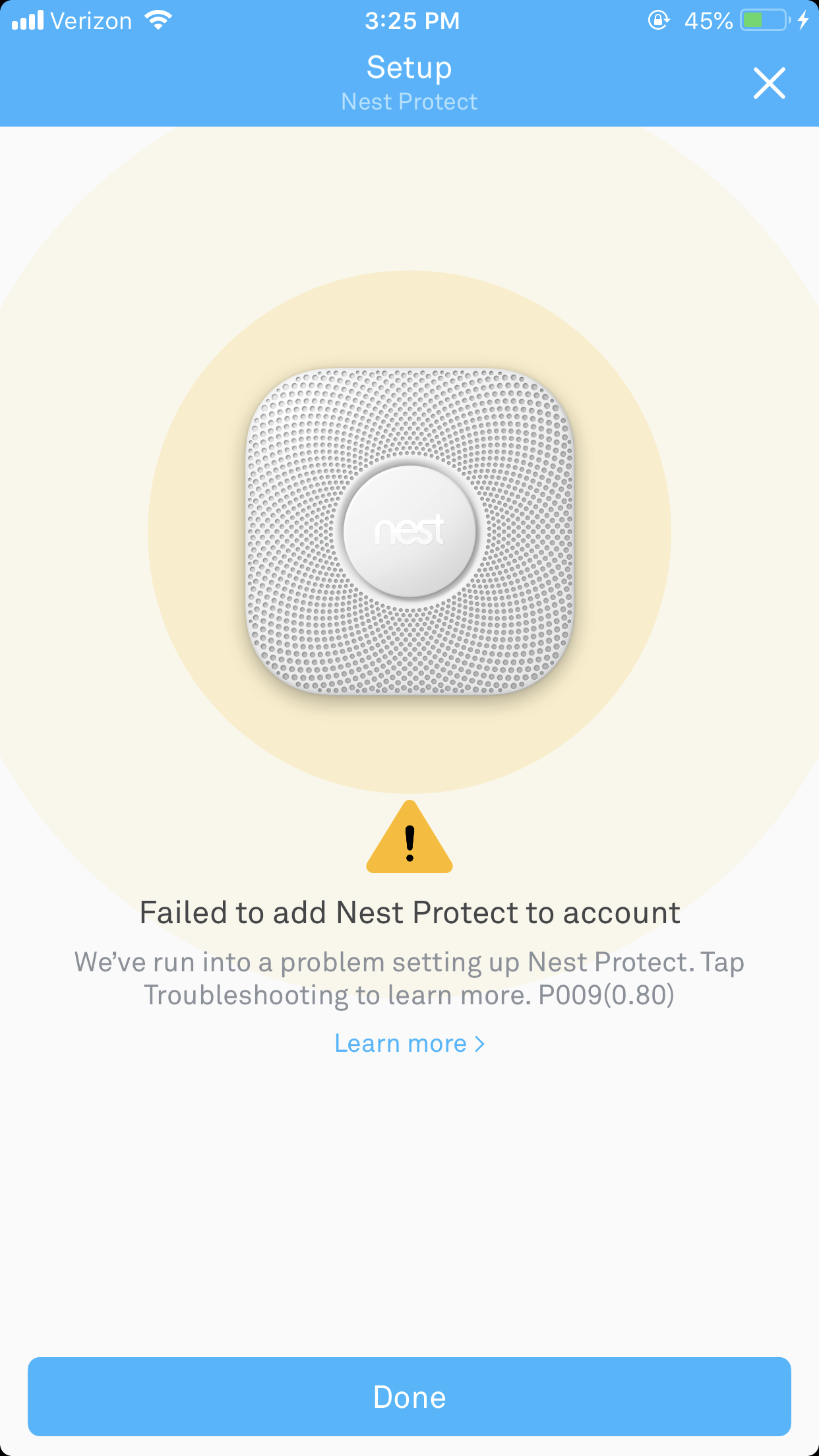
- bhurtAspirantI have attached the screenshot of my error. I have tried everything listed in the troubleshoot Nest website for this kind of error. I am trying to do what people in this thread are saying but there is no where to turn the down the frequency of 5ghz. I attached a screenshot in my other response of that.
- ekhalilMasterHave you tried from another smart phone?