NETGEAR is aware of a growing number of phone and online scams. To learn how to stay safe click here.
Forum Discussion

Squuiid
Jul 07, 2023Luminary
XS728T fan replacement options
I wanted to create a post to help anyone looking for replacement (quieter!) fans for the XS728T switch. While the XS716T and XS708T are easy, with direct Noctua swap ins, the XS728T is an entirely di...

Speckbert
Nov 24, 2023Aspirant
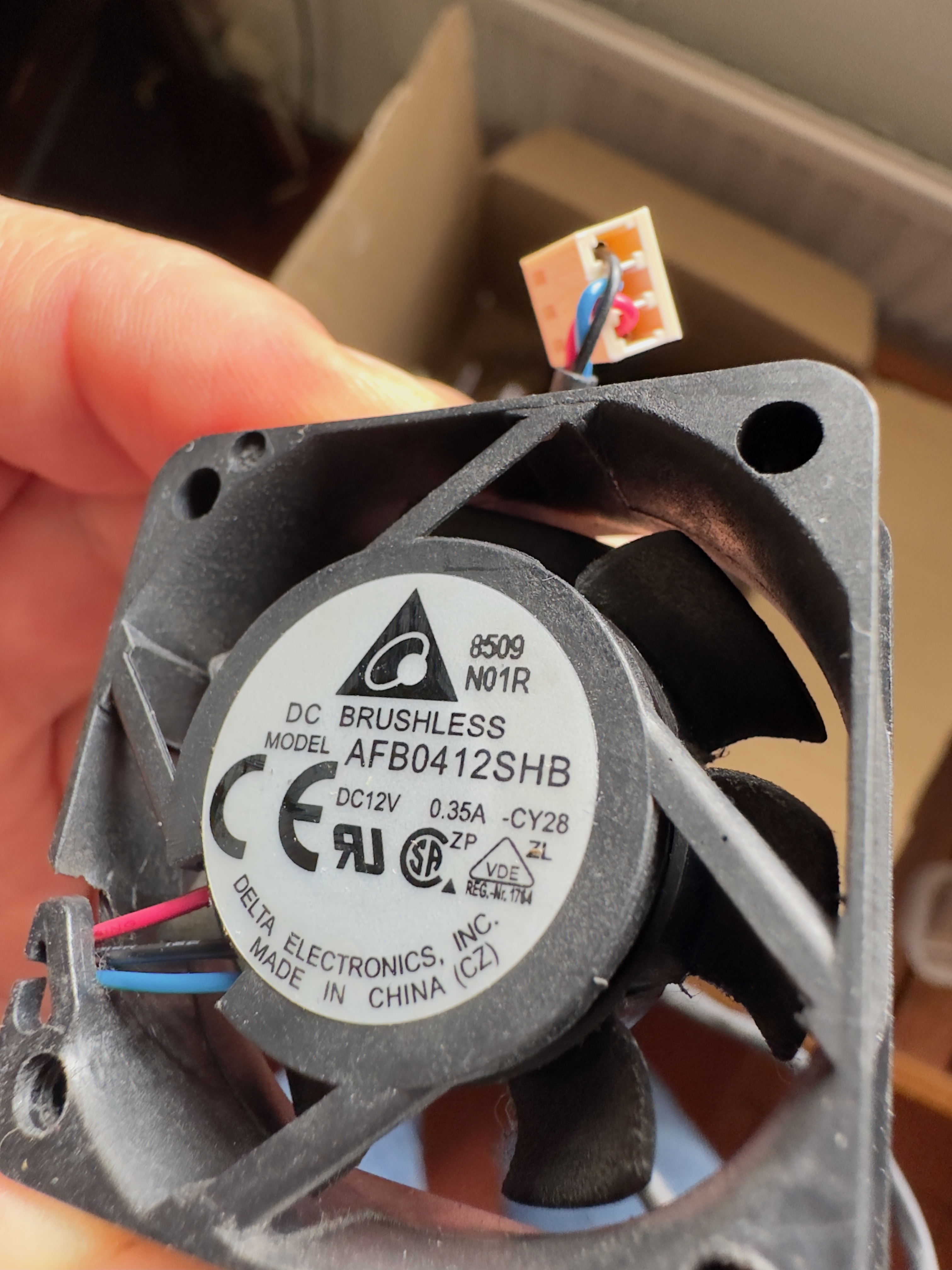
Is there now a correct solution or does the replacement work with the Arctic 6k fans? I'm also planning to replace the fans because the part is simply too loud for the office.
I have also seen the offers for the matching fans for the switch on ebay. But I'm a bit too unsure.
Which fans did you ultimately install? Does it really run more quietly now? Squuiid
Best Regards

iieeann
Jan 12, 2024Aspirant
Noctua PWM fans did not work with my XS708E v2, they refused to work at all even after correcting the pins.
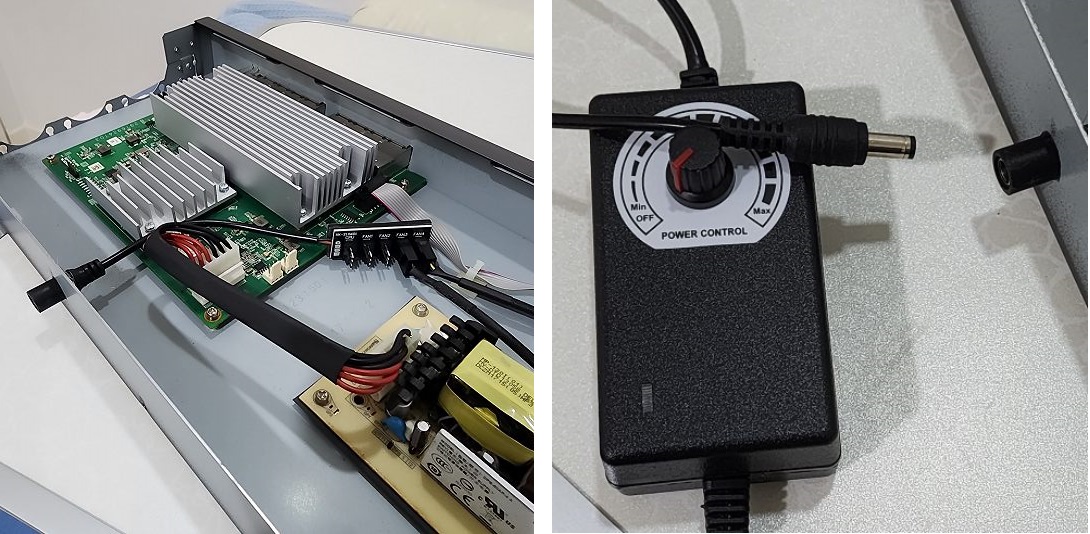
This is not the end of the world. I do not want to mod the circuit, so I purchased an external fan controller (NOT fan hub!) that comes with detachable end with 4 fan ports.
I need a hole for the connector, so I enlarge the security slot of the casing using a drill and file to make a hole just enough for the connector. Detachable end is sitting inside the case and hot glued to hold it. Picture attached. I can control the fan speed (same speed for all fans) using the knob, so i choose the speed where the fan noise is tolerable.
It seems like external fan controller is not commonly found in the market. There are many fan hubs available, but fan hubs have no speed control and the fan will spin at maximum speed.
I think this is so far a practical way to get Noctua fan to work in Netgear when they are not supported by the mainboard. No need soldering of anykind. The fan error LED on the switch is always on but that is not a problem for me.
Related Content
NETGEAR Academy

Boost your skills with the Netgear Academy - Get trained, certified and stay ahead with the latest Netgear technology!
Join Us!