NETGEAR is aware of a growing number of phone and online scams. To learn how to stay safe click here.
Forum Discussion

riemarie
Aug 17, 2015Aspirant
date is wrong on my N300 C3000
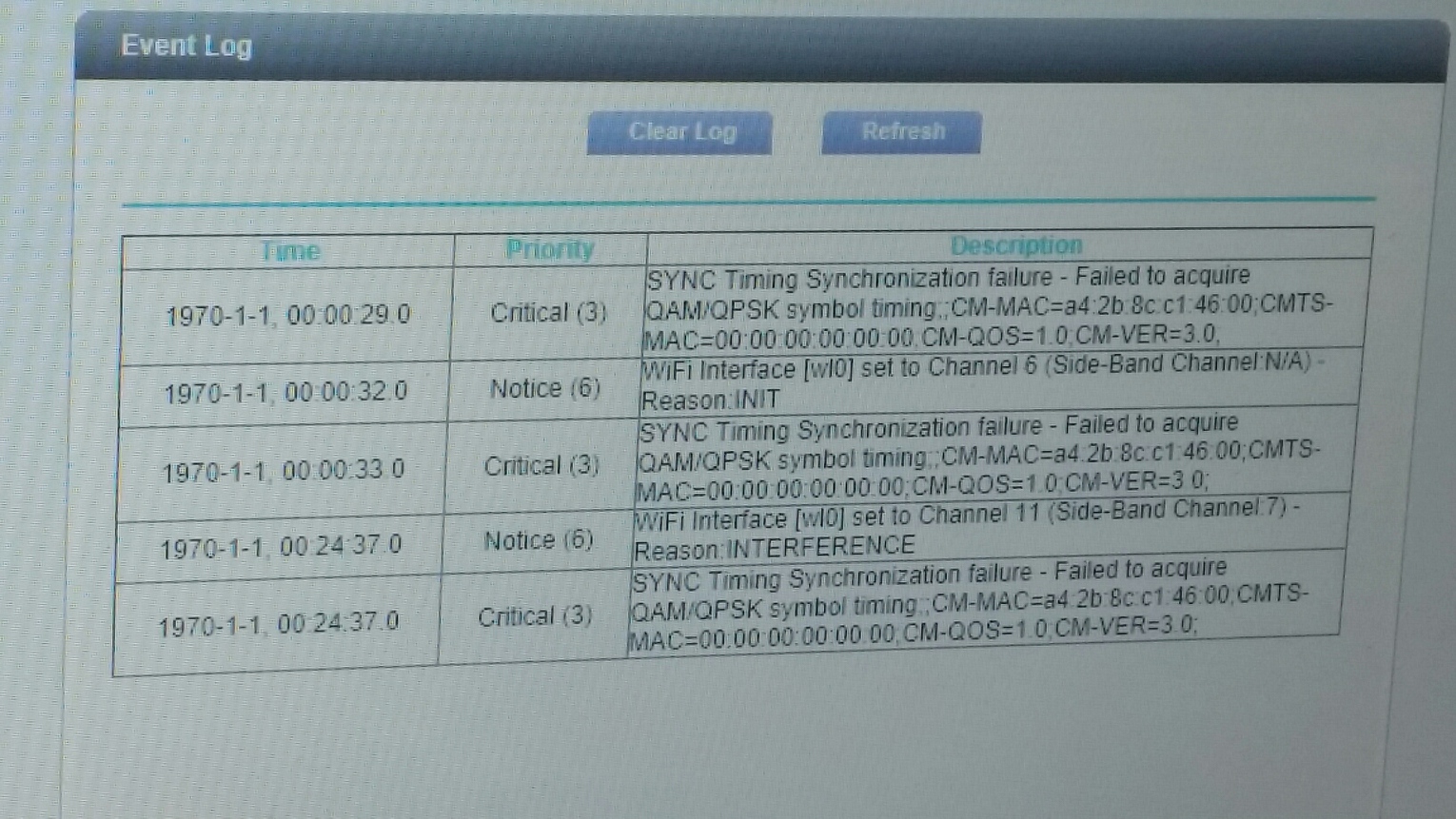
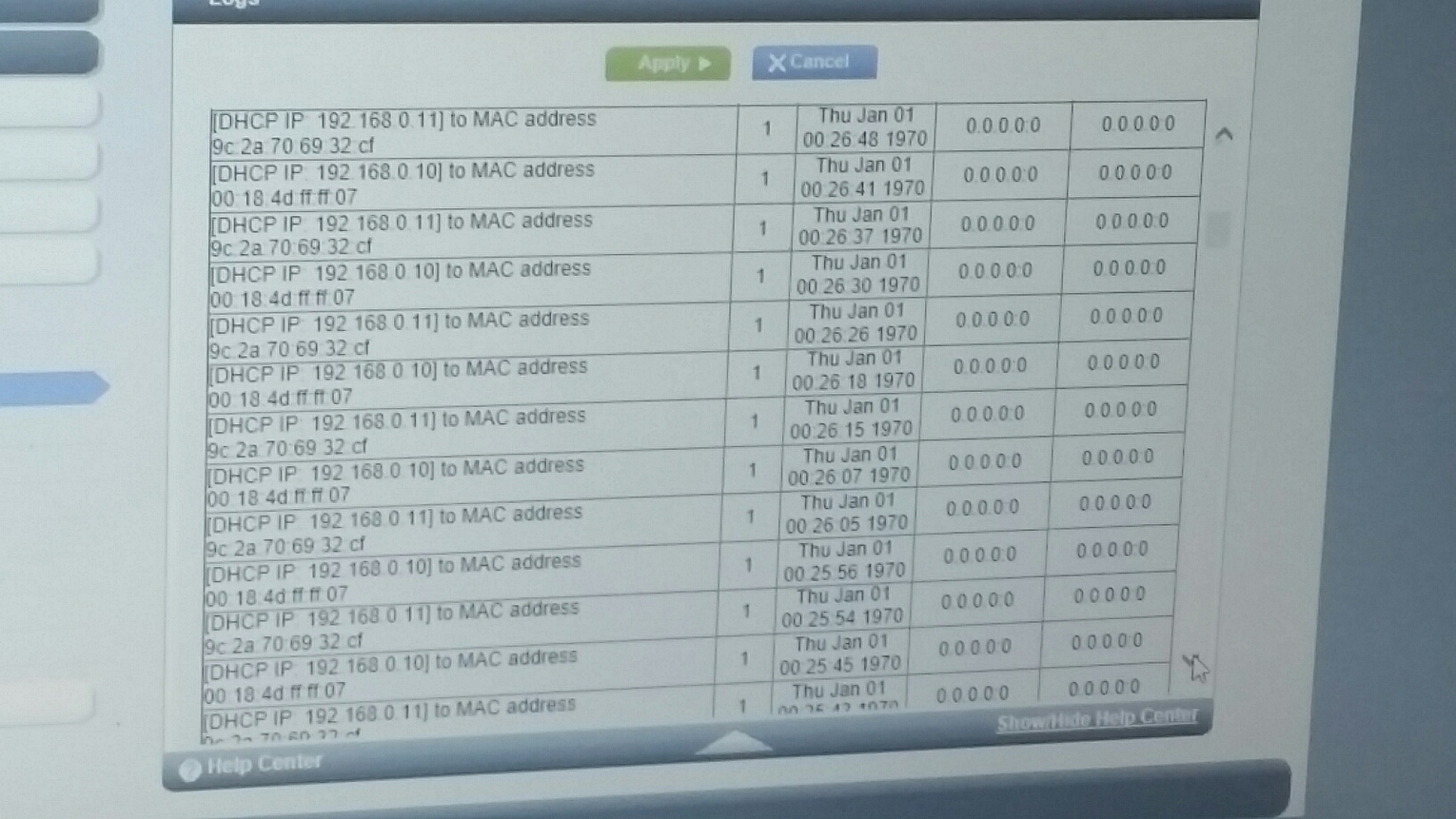
after moving my N300 C3000-100NAS across the room and connecting it to the same cable connection it was connected to directly before moving it the date went to 1972 after this it will not allow more than one device to connect either wirelessly or ethernet at a time.. we have been using this router modem for 3 months without issues. connecting sometimes up to 6 devices wirelessly with them all connecting and running with a great speed. the speed coming from mediacom has not changed and we have reset the router quite a few times now. in the genie it will not allow us to change the date and of course my 90 day support warranty was up just a few days ago.. not sure what to do any help would be appreciated.
9 Replies
 DarrenMSr. NETGEAR Moderator
Hello riemarie
When you say genie are you meaning the app or are you talking about in the router login? and could you give me some screen shots of this. hope to hear your feedback
DarrenM
- riemarieAspirantyes it is in router mode. with it having the wrong date and time we can only connect the one device it will only give one ip address in order for anyone else to connect the router has to be reset and the new 1 device can then connect.