NETGEAR is aware of a growing number of phone and online scams. To learn how to stay safe click here.
Forum Discussion

jedensuscg
Nov 30, 2016Tutor
READYSHARE options keeps giving blank pages, can't change add folders.
So i decided to plug in my WD My Password Ultra (1TB version) into my router to use it as a media drive. All went well at first. I loaded up the drive in the USB settings, restarted the router and was able to initially create three folder no problem. When I tried to create a fourth folder, that is when things whent crazy.
Now DESPITE restarting the modem, remove the USB drive completely and reinstalling (through saftely remove USB drive option...when I can get to it(more on that).
One or more of several things happen. First, when I click Basic settings under READYSHARE, it shows the three options at the top (Basis, REadyShare cloud, etc) but DOES NOT show the EDIT button about 90% of the time. WHen I go to ADVANCED settings, it will saying Please wait blah, and most of the time it will just load to a blank gray screen. I can click reload frame(chrome) or refresh(explorer) and it MIGHT load up the advanced setting page. When it FINALLY DOES load, if I click CREATE FOLDER, the popup window will appear but the main window again loads to a blank gray screen, and the pop up window gets stuck on loading. I can again refresh the popup to sometimes get the CREATE FOLDER options to appear, I do this, and when I hit apply, it will either freeze and do nothing, or it will pretend to close the popup, but when I finally get the advanced settings page to load again (using previous steps) no new folder was created. It is just a vicous cycle.
I removed the drive completely, and the problem persists, but this time, I can't even get the first three folders created. It's like it just broke and refuses to work.
WHen I do remove the USB drive, then I can navigate the READYSHARE options normally, no loading hicupps, nothing. So it is related to having a USB drive enabled and set, but it's only a 1TB drive, with only about 400MB of data on it.
Also important I CAN ACCESS the files on my computer, Xbox One, whatever. The drive shows up everywhere I want it too, and the few olders I created before it bugged out even worked correctly (password protection etc) so I can in theory use my drive wholesale without any folders, but that defeats the purpose for me.
I tried USB port 2, it looked promising, everything loaded up normally, but as soon as I try to create a specific folder (maybe a file in that folder causing issues?) it freezes on the popup when I click Apply and sits there doing nothing. I can close the window, and when I attempt to try again this is when it starts the whole process over again.
Firmware V1.0.2.12 (most recent)
Windows 10 laptop
EDIT
I went back to USB port 1, hoping that maybe since USB port 2 worked until I tred to create a specific folder, USB port 1 might have cleared it self. NOPE. it's still FUBAR, as is USB port 2. it's like I just bricked my router. Can't even create one single folder outside of the default entire drive folder, which means either everything is locked(and can't use it as a media server on xbox or away from home without unlocking it every time) or I have to leaveit wide open.
Also reupdated firmware. USB READYSHARE is still borked.
Hi jedensuscg,
What is the file format of the drive? Can you try to reformat it and use NTFS.
15 Replies
EDIT
I went back to USB port 1, hoping that maybe since USB port 2 worked until I tred to create a specific folder, USB port 1 might have cleared it self. NOPE. it's still FUBAR, as is USB port 2. it's like I just bricked my router. Can't even create one single folder outside of the default entire drive folder, which means either everything is locked(and can't use it as a media server on xbox or away from home without unlocking it every time) or I have to leaveit wide open.
Sorry for the additional posts, the timer to edit posts here is pretty short.
Here are some images to help explain it.
And note that this happens in Microsft EDGE and Internet Explorer 11 EXACTLY the same way. And yes popup blockers are disabled.
EDIT**** SO i plugged in a small 3GB thumb drive....BAM same thing. Router go haywire as soon as it recongnizes a USB drive is plugged in. Gonna have to factory reset router cause im all out of ideas.
EDIT 2****** Factory reset modem. It fixed the problem initially, but I tried to create a new folder again, this time a far smaller one, but still inside the original folder I was trying to create before. If got all the way to the screen where I click Create Folder again, this time the popup loaded to a blank screen, the Advanced Settings screen refreshed but does not show the new folder, and now I am stuck in the same loop again. I give up.
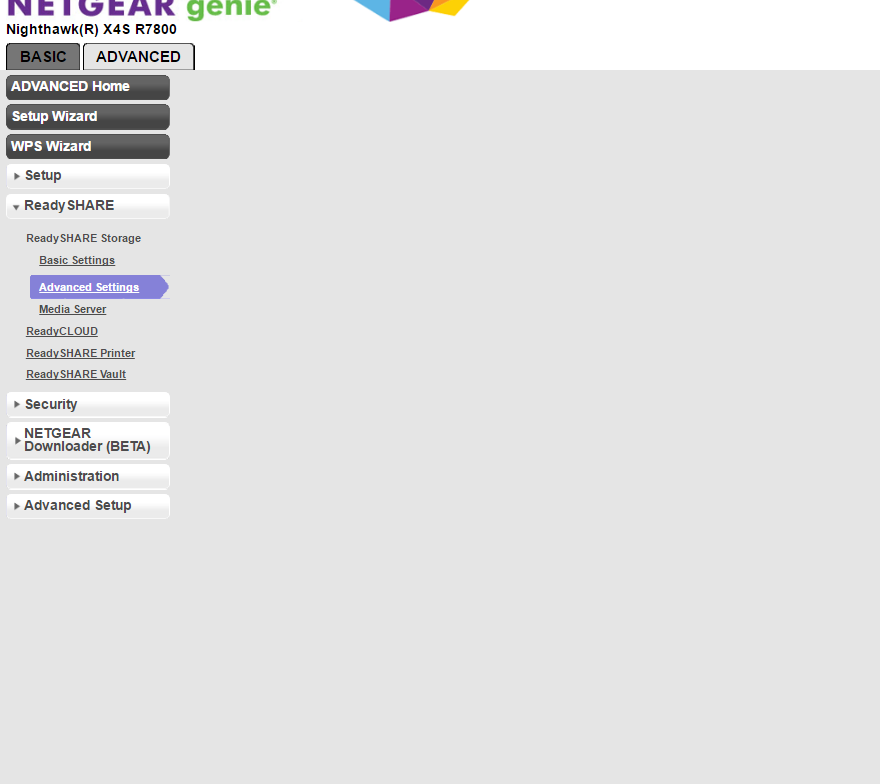
This is what happens 60% of the time I open Advanced Settings. I can relod the frame over and over to get the settings to load.
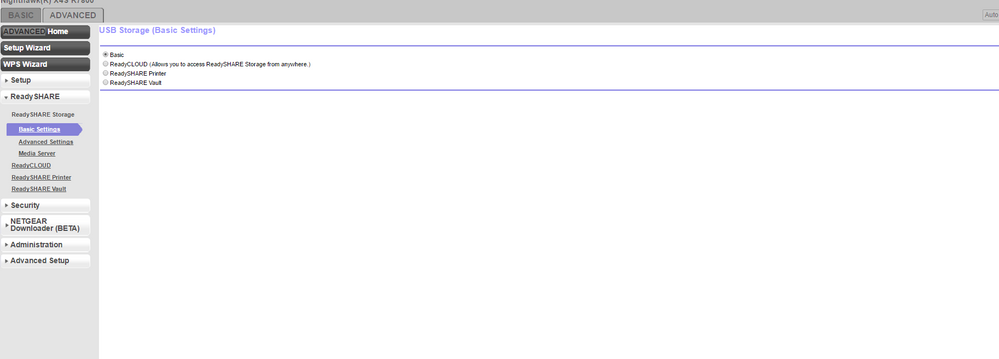
90% of the time this is what basic settings loads to. Notice it's missing ALL of the actual information (like what drives i have etc, and the EDIT button) I can keep hitting Basic Settings on the left over and over to get the actual settings to load.
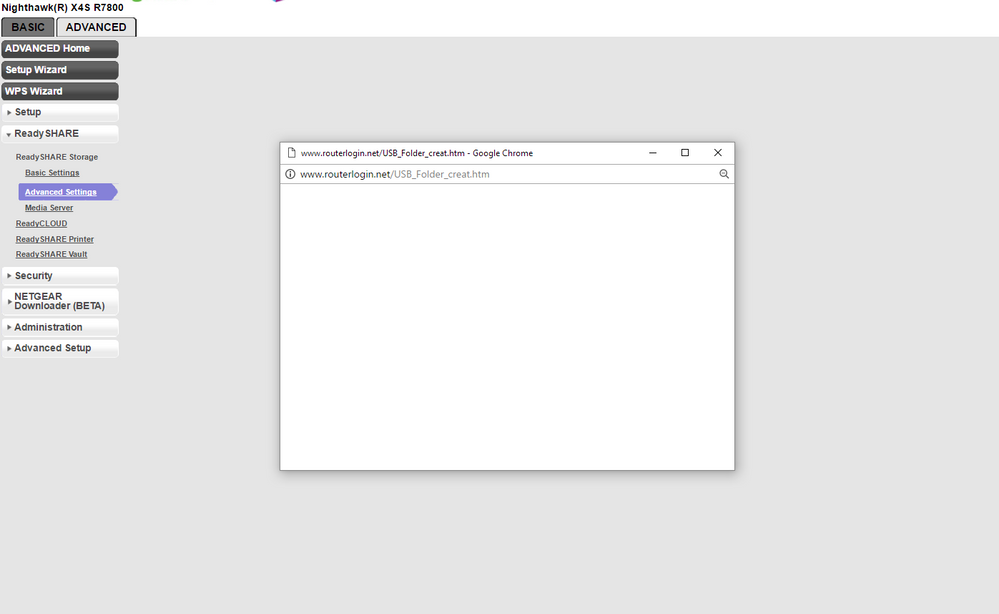
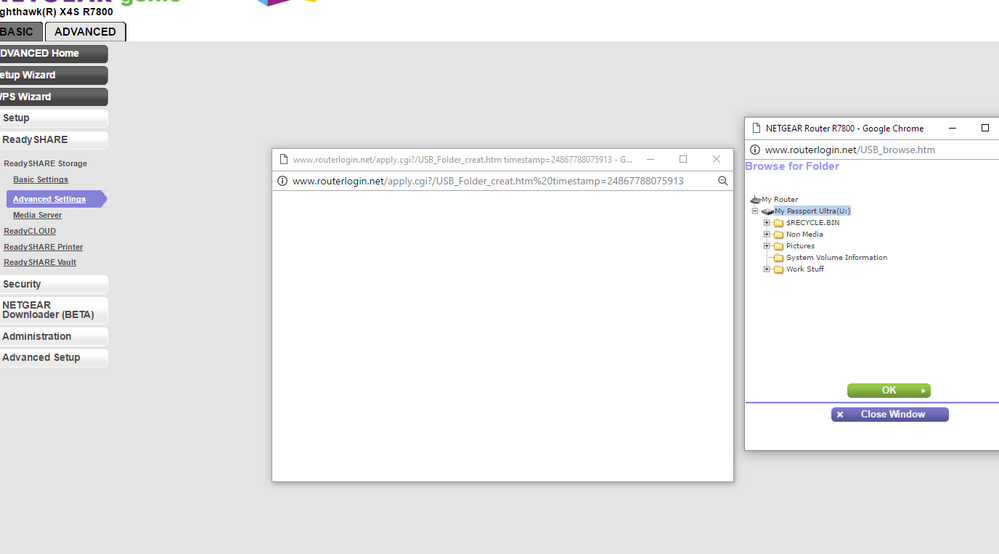
And the follow images are what it looks like when I try to create a folder after finally getting the advanced settings screen to show. Notice that everytime I open a new window, the parent window loads to nothing. When I finally get to the end (if im lucky at the popup windows load as well) clicking the create button after I select the folder and name it, does nothing.
 JamesGLNETGEAR Employee Retired
Hi jedensuscg,
1. Try using a different web browser.
2. Use a different USB drive if you have one.
3. Reload a different firmware and check if the same problem.
JamesGL
Community Team
- Hello,
Thanks for the reply. I did try a different USB flash drive (explained above as well) and same thing. Also tried Edge, ie 11 and chrome and two different computers, and both wireless and plugged into via cat5.
Haven't tried rolling back firmware yet.- JamesGLNETGEAR Employee Retired
Hi jedensuscg,
Try rolling back to previous firmware and see if the same problem.
JamesGL
Community Team
- JamesGLNETGEAR Employee Retired
Hi jedensuscg,
We’d greatly appreciate hearing your feedback letting us know if you need further assistance.
JamesGL
Community Team
- TomaszWGuide
Hi Guys,
So I bought new a shiny X4S for 200 eur hoping that the nice spec will go in line with software.
However Netgear seems to be worse or same as Tp-link in terms of software...
I have few issues/observations so far
1. No matter what usb (3x different HDD, 6x USB drive) i plug in, I cannot create any folders and it is not visible by the router. I tried plugging when off, on, rebooting, etc. Nothing works
2. List of attached devices is so not user frendly. (Netgear please look at Asus fw and learn)
3. QoS - No possibility to set individual bandwith for devices
4. QoS basically not working. I set highest priority to my gaming PC and low to everything else and still when syncing photos on another office PC to Gdrive i couldn't play online game cause of the latency (high ping)
5. Slow interface. Any selection of menu items takes 5-10 seconds
I hope that Netgear is interested in selling quality products and not just great hardware with useless software....
I know it sounds a bit bitter but coming from Asus I got used to certain standards.
I may saound a bit unhappy but at this price level I am expecting top of class SW/FW