NETGEAR is aware of a growing number of phone and online scams. To learn how to stay safe click here.
Forum Discussion

cotton168
Jul 05, 2016Aspirant
Can't access certain folders on RN 104 via ReadyCloud
Hello,
I've been pulling my hair trying to find out what happened to my RN104 but so far I haven't gotten the solution I've been searching for so I thought I would post here to see if anyone ca...
cotton168
Jul 17, 2016Aspirant
Hi Brian,
Yes, I did delete them before and reinvite them and it still wouldn't work. When you say to totally leave the Cloud, what do you mean? I can totally try that if it means that they would be able to access that one folder. The odd thing is that they are able to view and download on a different folder but the largest folder, they are not able to view or download and this is the folder everyone needs to use. :smileysad:

BrianL2
Jul 18, 2016NETGEAR Employee Retired
Hi cotton168,
There is a Leave button under the Cloud tab. This will temporarily disable the ReadyCLOUD if there's no account that's logged in as admin. Take note that you before you do this, backup files that are stored in your ReadyCLOUD private home folders/shares.
Kind regards,
BrianL
NETGEAR Community Team
- cotton168Jul 20, 2016Aspirant
Hi Brian,
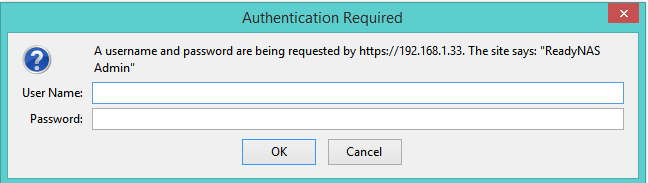
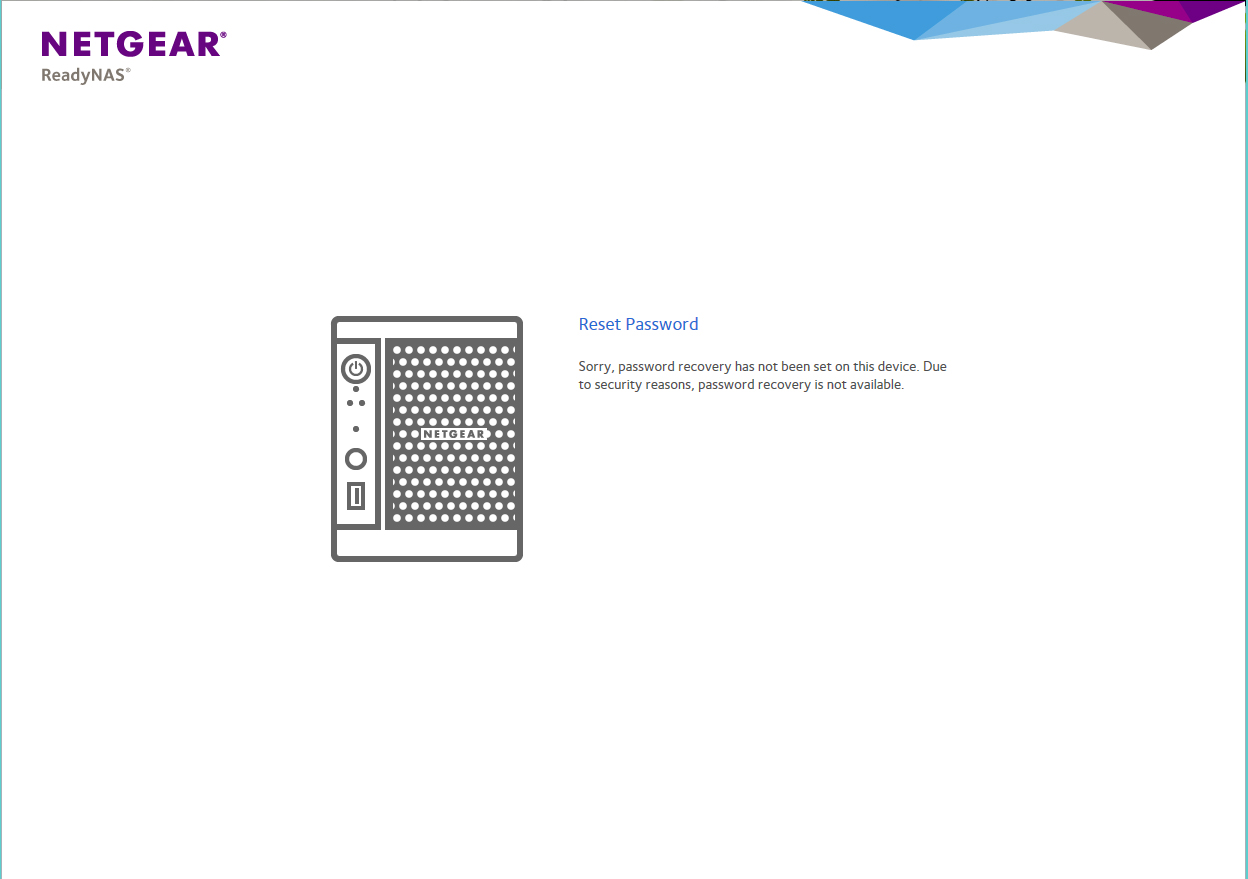
OK, I tried the Leave solution and it created a bigger problem than I had originally. For some reason, I can't even log in. I can see a login for the Netgear router now which I didn't need in the beginning but now it's there so I'll leave it but I can't seem to manage my RN104. When I try to make the device discoverable and then login, I get an error and then it says that they can't even recover my password. I'm at a total loss now. I've attached pics of the items for you to see. Thank you.
- BrianL2Jul 28, 2016NETGEAR Employee Retired
Hi cotton168,
It is possible that you have another ReadyCLOUD enabled device in your network. As I can see, you're trying to login to the admin page of your ReadyNAS device, have you used the default login credentials (un: admin / pw: password)? If you're planning to perform an OS reinstall, have your unit booted up in volume read-only and start backing up your files.
Kind regards,
BrianL
NETGEAR Community Team- cotton168Jul 28, 2016Aspirant
Hi Brian,
The only ReadyCloud device I have is my RN104. I still for some reason can't manage the RN104 but my Netgear router does see the RN104. I'm now completely lost and no one (including myself) have been able to use the device at all.
Related Content
NETGEAR Academy

Boost your skills with the Netgear Academy - Get trained, certified and stay ahead with the latest Netgear technology!
Join Us!
