NETGEAR is aware of a growing number of phone and online scams. To learn how to stay safe click here.
Forum Discussion

Tryll
Apr 07, 2017Guide
ReadyNAS Replicate configuration not possible
After falling victim to the ReadyCloud outage issue, I also noted that Replicate was not acting normally. In attempting to log in to the replicate management portal, I could no longer log in. This wa...
Retired_Member
Apr 09, 2017Hello Tryll
Replicate is using Remote account to work,if you cannot login Replicate management site,please reset passwd of your Remote account at http://remote.readynas.com/.
Tryll
Apr 10, 2017Guide
Retired_Member wrote:Hello Tryll
Replicate is using Remote account to work,if you cannot login Replicate management site,please reset passwd of your Remote account at http://remote.readynas.com/.
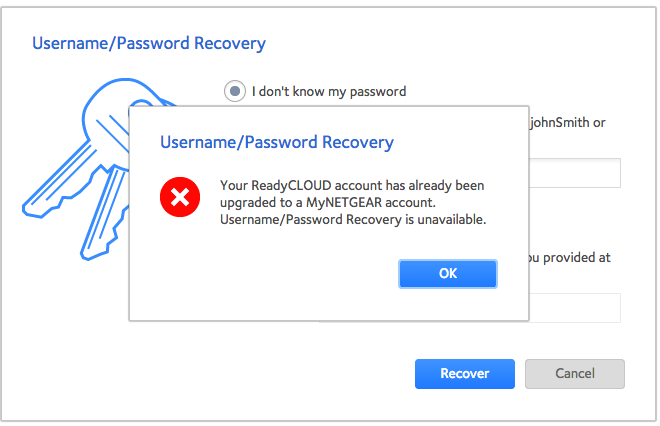
As I've mentioned, the Replicate and/or Remote passwords can not be retrieved or updated and my account was "upgraded" to a MyNetGear account.
- Retired_MemberApr 11, 2017
Hello Tryll
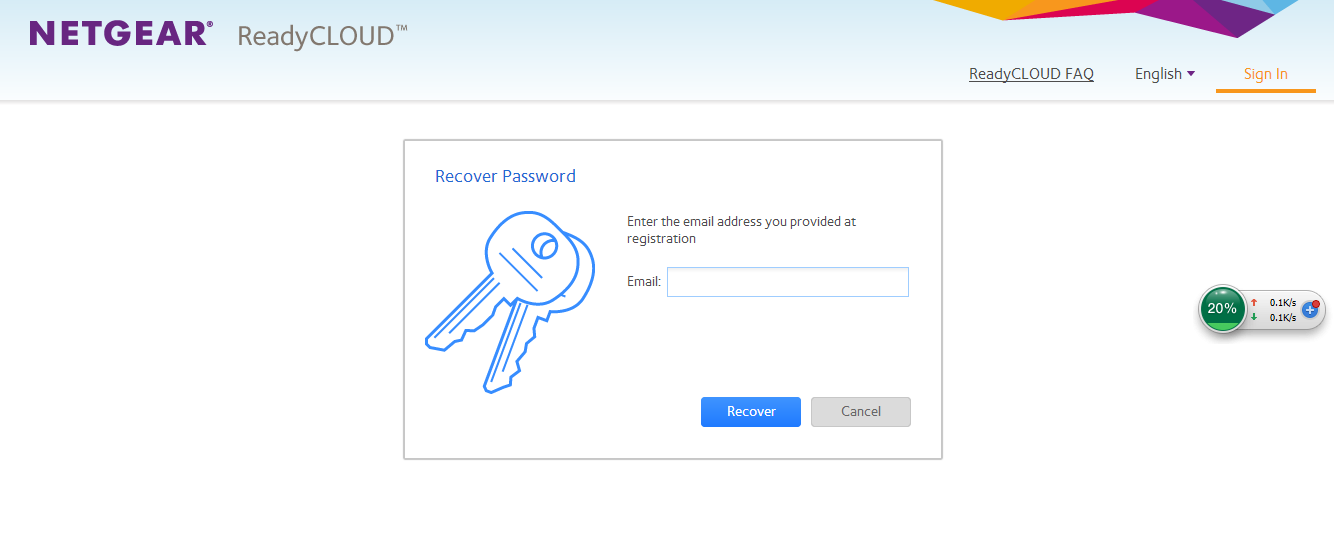
if your account is already migrated to MyNETGEAR account,you must recover MyNETGEAR password on ReadyCLOUD portal directly.
after you reset password ,you can use it to log in Replicate with your old Remote acount name.
Related Content
NETGEAR Academy

Boost your skills with the Netgear Academy - Get trained, certified and stay ahead with the latest Netgear technology!
Join Us!
