NETGEAR is aware of a growing number of phone and online scams. To learn how to stay safe click here.
Forum Discussion

winchesterstoke
Feb 15, 2017Aspirant
Blue Flashing Night to NAS
I have a NAS RN10200 (which I got second hand). I've put a 2 and a 3 Tb disk in and tried to start the NAS... The blue light comes on but then after a short while now flashed continually? The sec...
winchesterstoke
Feb 16, 2017Aspirant
Hi, and thanks.
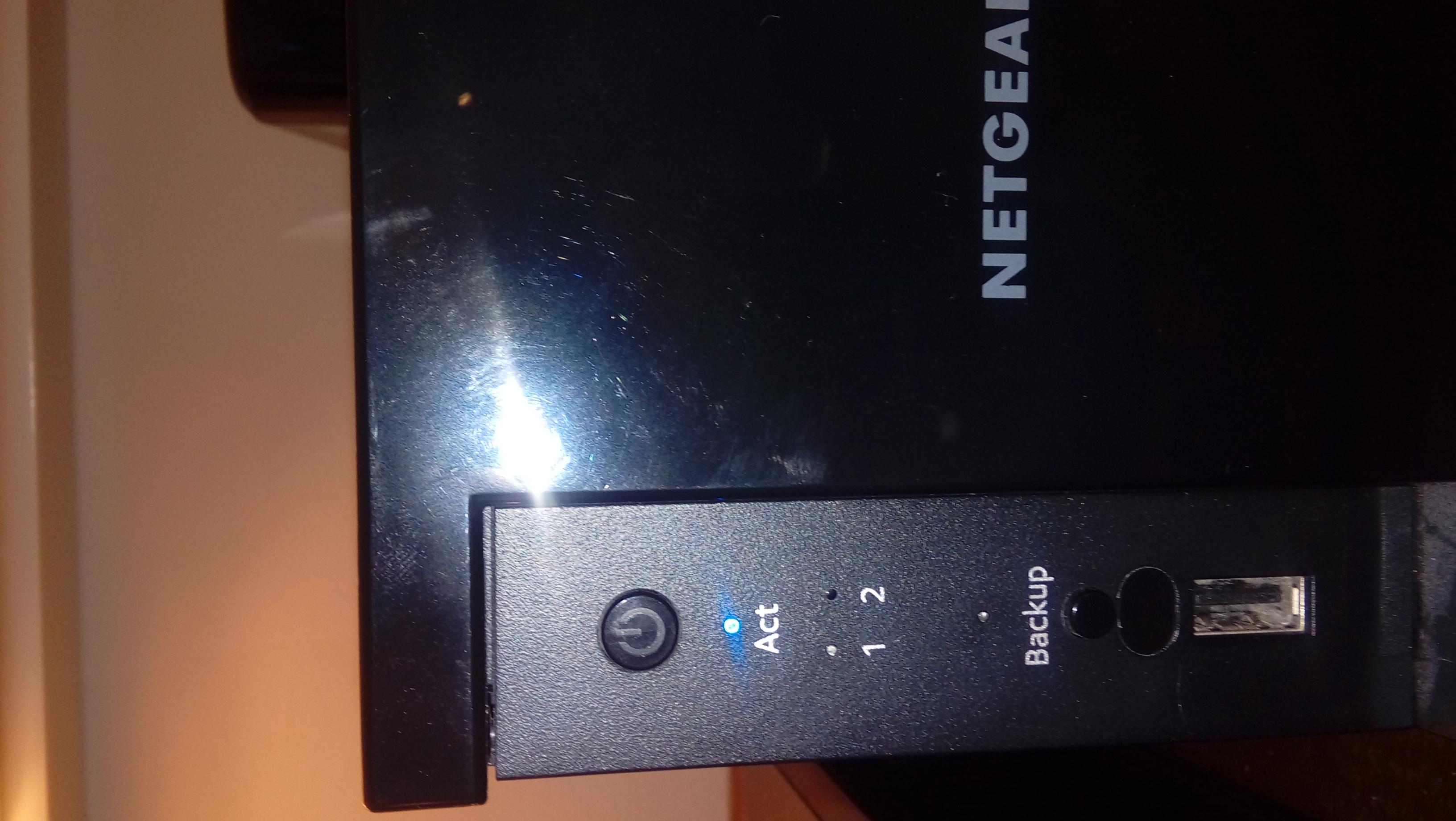
Just to try and make the clear: the blue light showing in this picture says "Act" with a blue light, and then above shows a flashing blue light,
I have left this NAS on for ~6 hours and it's not started apart from the blue lights.
Any idears please?
Thanks

mdgm-ntgr
Feb 16, 2017NETGEAR Employee Retired
So you're looking to wipe the disks and set the NAS up for the first time?
Have you tried a factory default (wipes all data, settings, everything)?: https://kb.netgear.com/22892/How-do-I-access-the-boot-menu-on-my-ReadyNAS-102-202-212-or-312
- winchesterstokeFeb 21, 2017Aspirant
Thanks! I can now get a biy thirther!
Cheers!
- winchesterstokeFeb 22, 2017Aspirant
Hi, I still have a (big) problem!
I have done a factory reset and I thought I was now OK...but not.
I've done the rest (I believe?) reset but something is not good:
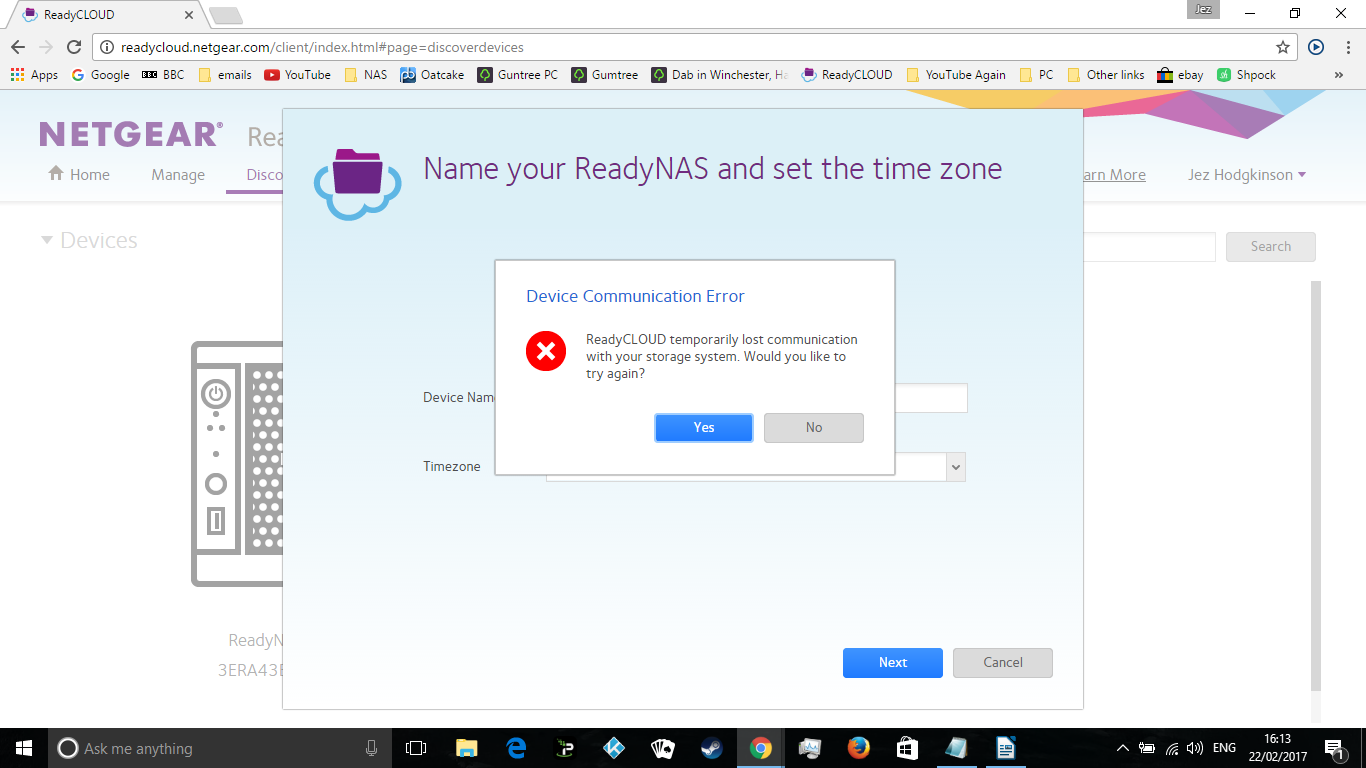
I then (in Windows) select "Setup" when saying "New ReadtNAS Discovery" - it now looks OK (after I'd done the reset and given it some time).
I then "Setup with ReadyCLOUD (Default)" . then "Next".
Then I get:
Any help please?
Thanks!
 StephenBFeb 22, 2017Guru - Experienced User
Log into the NAS directly (the so-called "offline" method). Use https://nas-ip-address/admin (using the real NAS ip address of course).
- Retired_MemberFeb 22, 2017
You can find the IP address of the NAS on RAIDar if necessary (as a two bay doesn't have an LCD): http://kb.netgear.com/20684/ReadyNAS-Downloads#raidar
Related Content
NETGEAR Academy

Boost your skills with the Netgear Academy - Get trained, certified and stay ahead with the latest Netgear technology!
Join Us!
