NETGEAR is aware of a growing number of phone and online scams. To learn how to stay safe click here.
Forum Discussion

MMarbleSLHA
Oct 25, 2017Aspirant
Failed to retrieve directory listing
I'm having some trouble with internal-only FTP. Filezilla authenticates, but I'm unable to browse to the folder. I get the following (minus the hashtags). Status: Resolving address of ###.###.#...

MMarbleSLHA
Oct 25, 2017Aspirant
Thanks for the reply. The share and folder name is IT. I vaguely remember users being a system folder for Unix.
I did try setting the permissions to everyone, but got the same result.

StephenB
Oct 25, 2017Guru - Experienced User
It is a bit odd, because your filezilla snippet clearly said /users was the directory that couldn't be listed. The NAS OS partition doesn't have a /users folder, so it's not a system folder.
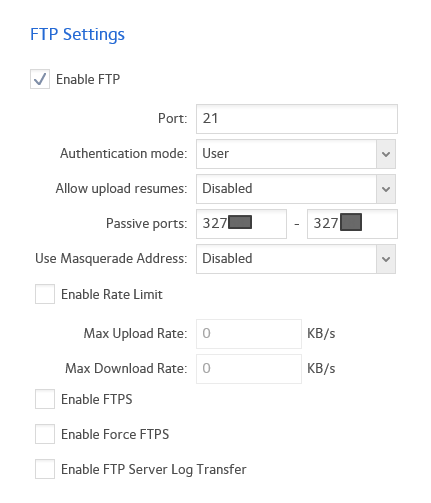
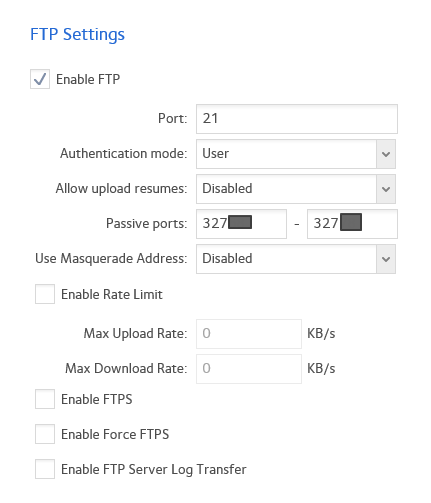
Did you check permissions on the FTP tab under network access? That might not align with the summary on the main shares page.
- MMarbleSLHAOct 25, 2017Aspirant
Yeah I did check the network access tab. Everything looked good. I'm not sure why Filezilla is showing the Unix permissions.
- StephenBOct 25, 2017Guru - Experienced User
MMarbleSLHA wrote:
I'm not sure why Filezilla is showing the Unix permissions.
Me either, and it isn't doing that for me. One small difference is that my system is set up to use FTPS. You could try that (setting Filezilla to "use explicit FTP over TLS if available" and enabling FTPS on the NAS).
My FileZilla trace looks like this:
Status: Connection established, waiting for welcome message...
Status: Initializing TLS...
Status: Verifying certificate...
Status: TLS connection established.
Status: Logged in
Status: Retrieving directory listing...
Status: Server sent passive reply with unroutable address. Using server address instead.
Status: Directory listing of "/" successful
Status: Retrieving directory listing of "/Test"...
Status: Server sent passive reply with unroutable address. Using server address instead.
Status: Directory listing of "/Test" successfulThe unroutable address is because I connected over the internet. Masquerading is disabled on the NAS, but FileZilla figures that out and does the right thing.
- MMarbleSLHAOct 27, 2017Aspirant
Finally got a clue on what was going on. It's an issue with Active Directory. Using
Active Directory works fine for SMB, but not for FTP. The Netgear ReadyNAS will authenticate using an Active Directory account, but will not allow FTP directory browsing. The Netgear ReadyNAS 's local account has no issues. Sigh... This suits my admin purposes, but kills any plans I had to introduce some users to the wonderful world of FTP.
Related Content
NETGEAR Academy

Boost your skills with the Netgear Academy - Get trained, certified and stay ahead with the latest Netgear technology!
Join Us!