NETGEAR is aware of a growing number of phone and online scams. To learn how to stay safe click here.
Forum Discussion

lahiruchamikara
Apr 25, 2019Aspirant
Netgear ReadyNAS RN31400 Network Ports Notworking
Hi Guys, I have a Netgear ReadyNAS 314 [RN31400] with 4TB x 4 Drives. Primary usage is Movie storage.
When I power on the device couple of days back I noticed there is no connectivity to the device...
lahiruchamikara
Apr 29, 2019Aspirant
LEDs not working on any of the ports. and no, I am not using ethernet bonding.
Since upper port is not working i tried on lower port after i found the problem. then i realized both ports not working.
Still stuck with the issue. I am thinking something wrong with hardware side of the ports. not sure though.

StephenB
Apr 29, 2019Guru - Experienced User
lahiruchamikara wrote:
I am thinking something wrong with hardware side of the ports. not sure though.
I agree with you on the cause. One final test you could make is to power down the NAS and remove the disks (labeling by slot, so you can put them back into the correct order later). Then boot it up with no disks, The NAS should be reachable by RAIDar (reporting "no disks" status). If the LEDs remain unlit, and RAIDar can't find it then change the cable and connect it to a different switch/router port (just to make sure it isn't the other end of the connection). Those checks will rule out the cable, the switch port and something corrupted on the disks. All that's left is the chassis and perhaps the power adapter (very unlikely). The chassis isn't repairable, you will need an RMA.
On your support issue - you ought to be able to request an RMA via my.netgear.com. There is a "Replace my defective product" link here: https://www.netgear.com/mynetgear/portal/myOnlineTicket.aspx You will of course need to log in.
If that doesn't work, then you could send an email to customer.service@netgear.com explaining your problem reaching support, or you can ask JohnCM_S to help you escalate it.
- lahiruchamikaraApr 29, 2019Aspirant
I tried to Power UP the device after removing the disks. The device goes to SAFE MODE. But still non of the ethernet LEDs blinks. I tried changing cable, router, switch. But there is this issue aswell. When I power down the unit, it power up it self as soon as power down.
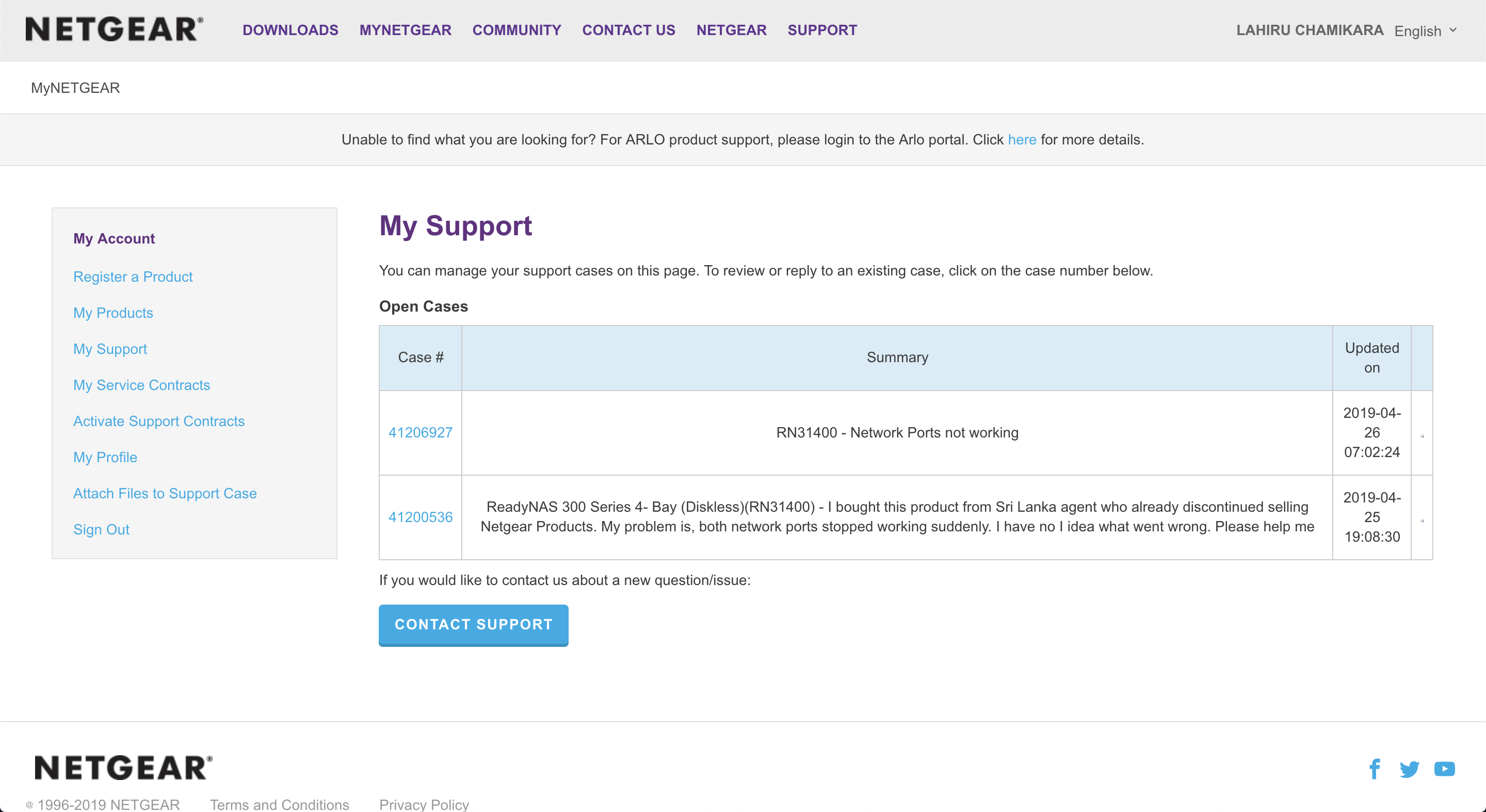
I have opened 2 support tickets. When I open they ask me to call 8001013296 to validate support tickets.. I have no clue where the number is from even. Since I put my number in Singapore Region, tried singapore. Didn't work. then tried in US. still doesn't work.
- StephenBApr 29, 2019Guru - Experienced User
lahiruchamikara wrote:
I have opened 2 support tickets. When I open they ask me to call 8001013296 to validate support tickets.. I have no clue where the number is from even. Since I put my number in Singapore Region, tried singapore. Didn't work. then tried in US. still doesn't work.
JohnCM_S: Can you verify the support number and provide the country code? Perhaps also see if support can call lahiruchamikara which should expedite the process.
- lahiruchamikaraApr 29, 2019Aspirant
Support Case Numbers are;
41200535 [Open Date: 2019-04-23]
41206927 [Open Date: 2019-04-25]
Related Content
NETGEAR Academy

Boost your skills with the Netgear Academy - Get trained, certified and stay ahead with the latest Netgear technology!
Join Us!