NETGEAR is aware of a growing number of phone and online scams. To learn how to stay safe click here.
Forum Discussion

Cosimo
Nov 17, 2017Star
ReadyNAS 102 - I can't access to the folders with admin password
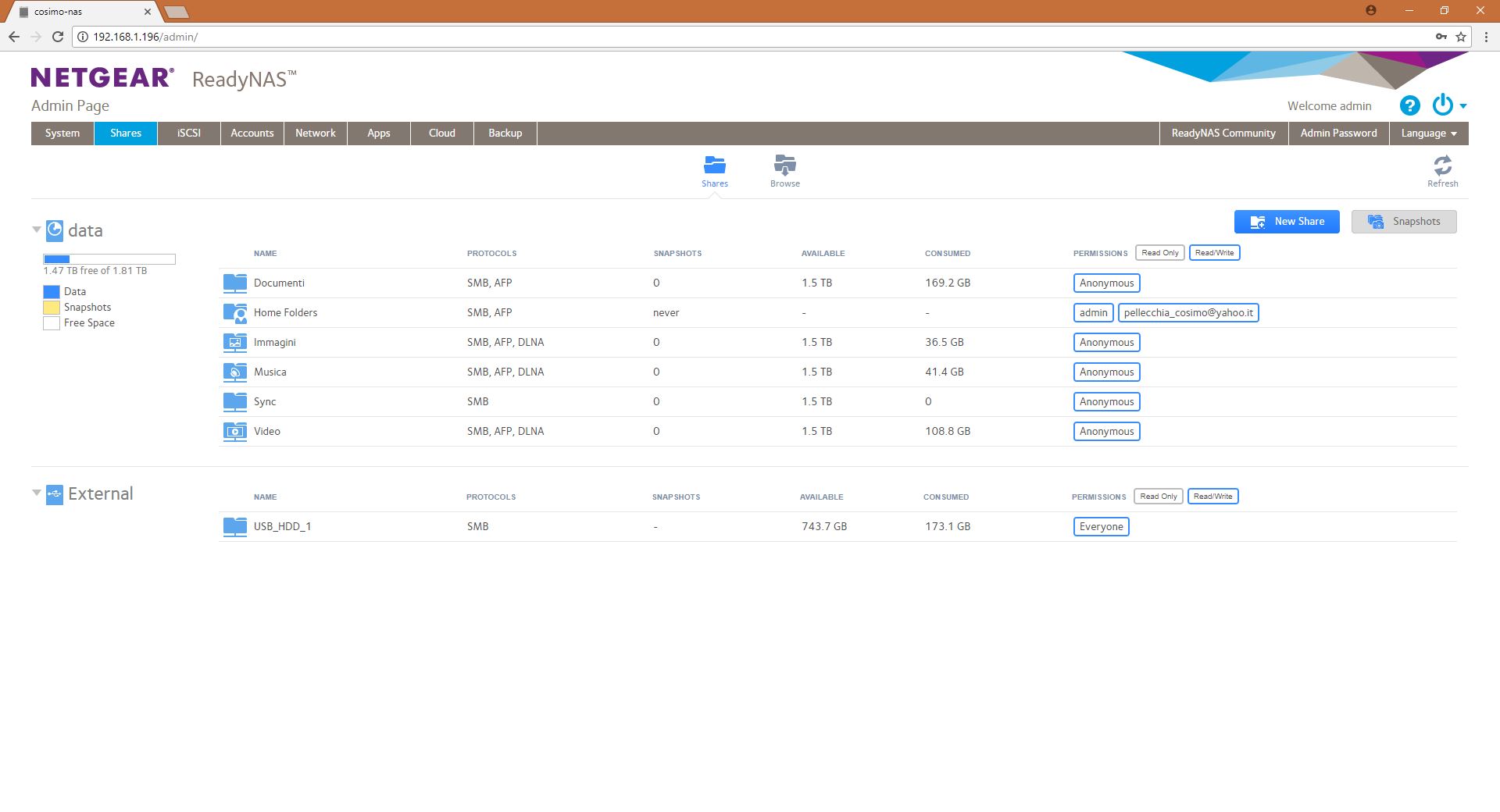
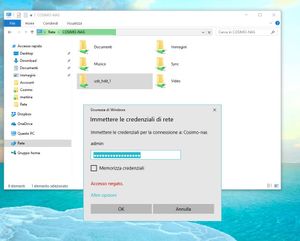
Dear all, Sorry if this is the wrong section. I can't access to the folder in my readyNAS if I sets permissions as "admin"; When I write the correct password for the admin profile, windows repl...
- Nov 25, 2017
Dear StephenB,
Thank you for the explanation and the help.
Regards, Cosimo.

Sandshark
Nov 19, 2017Sensei
As I said, it's a Windows limitation, not a NAS one. I have no idea why the limitation exists, but you are not the first one confounded by it.
There is one way to partly get around it if you need to. You can use one set of credentials for the NAS by name \\NASName\Share and another for the IP address \\ip.of.the.nas\Share because Windows is unaware they are the same device.
Cosimo
Nov 20, 2017Star
Dear Sandshark,
Again, Thank you for the explanation.
I do not need to do that.
What I was trying to do is just to avoid that, others PC connected to the network, for example the PC of a guest of the office, can go on the NAS and take a look at the files.
So, I tried to set up the access to the folder only for the user "admin" but as you know this doesn't work.
My understanding, now, is that I was accessing to the NAS as "PC1" that is the name of my windows account, as it was for example one other PC on the network, for example PC2. Both PC1 and PC2 access to the NAS as "anonymous".
But, since I do not want "anonymous" PCs to access on my NAS, how can I do that? I would like that my Pc is the only one that access directly to the NAS; the others, instead, they can access only if I let them know the password, or, if I setup an additional account on the NAS for them.
Anyway, thank you for the patience!
Related Content
NETGEAR Academy

Boost your skills with the Netgear Academy - Get trained, certified and stay ahead with the latest Netgear technology!
Join Us!