NETGEAR is aware of a growing number of phone and online scams. To learn how to stay safe click here.
Forum Discussion

mickle026
Aug 23, 2017Aspirant
ReadyNAS "Admin Page" is offline
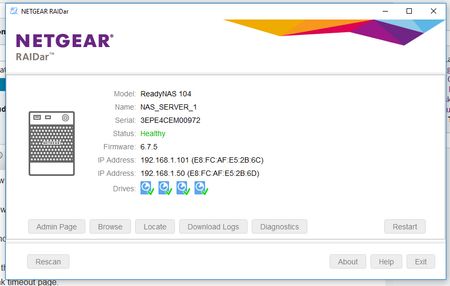
Upgraded to firmware 6.7.5 through the web interface and now the unit is not responing via the browser at all. SMB share is still working Tried Rebooting Tried Reset via reset pin on back...

StephenB
Aug 23, 2017Guru - Experienced User
mickle026 wrote:
If I factory reset it with different disks in it, can I the set it to x-raid and put back the original disks without losing data?
Will factory reset put the original firmware back in or will it use 6.7.5 ?
A factory reset installs the OS in the flash onto the disks. So doing a factory reset with 6.7.5 won't change anything.
You could try installing onto a scratch disk, and then upgrade the system to 6.8.0. Then power down, and insert the original disks in their original slots. When you power up, the system will try to upgrade the original disks to 6.8.0 - which might solve the problem.
If https://nas-ip-address/fwbroker reponds, then you could try installing 6.8.0 directly.
Related Content
NETGEAR Academy

Boost your skills with the Netgear Academy - Get trained, certified and stay ahead with the latest Netgear technology!
Join Us!
