NETGEAR is aware of a growing number of phone and online scams. To learn how to stay safe click here.
Forum Discussion

Tobbe_F
Dec 22, 2016Aspirant
RN10200 "Device offline" and RAIDar cannot find device #27819067
So, a collegue of mine deployed a new RN10200 a week ago. When I came on site it was possible to use file sharing, ie copy files to and from the NAS without problem. However, trying to get into the ...
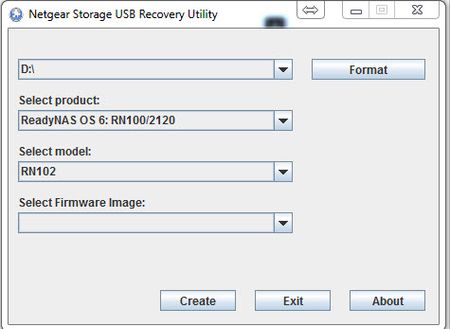
- Dec 27, 2016
I understand supported assisted with updating the firmware of the system to 6.2.4 then to 6.5.2 and then on to 6.6.0 and this resolved the problem.

mdgm-ntgr
Dec 22, 2016NETGEAR Employee Retired
There is a boot menu option you can use which should lead to it picking up an I.P. address via DHCP, being discovered by RAIDar, and allow support to remotely diagnose the problem.
As you're running such old firmware some alternatives we'd normally be able to try can't be tried.
A possibility could be that a firewall on your PC blocking RAIDar from communicating with your NAS. Still if the web admin interface is reporting that the device is offline we would need to use the boot menu option as you're running such old firmware.
mdgm-ntgr
Dec 27, 2016NETGEAR Employee Retired
I understand supported assisted with updating the firmware of the system to 6.2.4 then to 6.5.2 and then on to 6.6.0 and this resolved the problem.
Related Content
NETGEAR Academy

Boost your skills with the Netgear Academy - Get trained, certified and stay ahead with the latest Netgear technology!
Join Us!
