NETGEAR is aware of a growing number of phone and online scams. To learn how to stay safe click here.
Forum Discussion

Maxbuys
Mar 10, 2018Aspirant
WN2500RP won’t connect to verizon quantum g1100 router
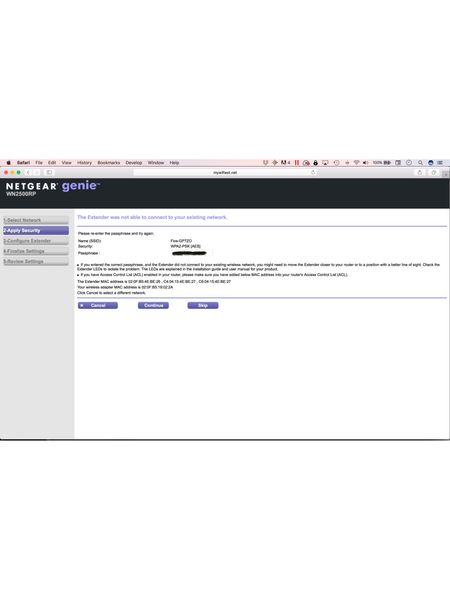
Attempts to connect using WPA failed (even when extender and router are an inch apart, also tried joining the two devices with cable lan1-to-lan1). I tried manual setup using netgear genie (I h...
Maxbuys
Mar 10, 2018Aspirant
After spending several hours trying to achieve this, I was finally successful. I am attaching screen shots of the process that worked for me from my ipad, as I have seen this problem in other posts without successful resolution.
Basically
1. use the MyFios app on ipad to initiate WPS connection on the verizon quantum G1100 router
2. Press the WPS button on the WN2500RP netgear extender
3. As soon as yournetworkname_2GEXT and yournetworkname_5GEXT appear in your ipad’s available network list, click one to join and enter same password as your router’s network password.
4. From myfios app, run wi-fi analyzer again to verify that the WN2500RP extender is now connected.
I hope this saves someone from the aggravation I experienced. It was very simple to manually connect this extender to the previous verizon router and I am not sure why I was unable to do so with the Quantum router. But I am now getting a strong enough signal from the extender to connect my smart tv to the extender network and get good quality streaming.