NETGEAR is aware of a growing number of phone and online scams. To learn how to stay safe click here.
Forum Discussion

NetGeak88
Nov 03, 2016Aspirant
Using M4100-26G-POE For ASE WAN
Hello Netgear Community!
My company recently implemented an ASE (AT&T Switched Ethernet) WAN with a rate 250Mb and latency of 51ms. The fiber drop is plugged into the SFP port on the Netgear and the interface is set to 1Gb full-duplex. I have the two remote sites communicating (the other end is a Cisco L3 switch) so the WAN is "working", however, we aren't seeing great throughput from the Netgear side.
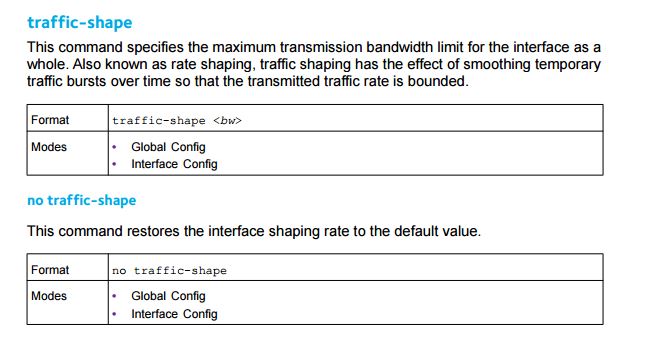
ASE Tech Support said I we are hitting their policer that is monitoring traffic leaving the Netgear and we need to set (Bc and Be) the commited burst rate to 250Mb/sec (which I did with the interface command of 'traffic-shape 25' which limits the transmitted bandwidth to 25% of the line speed = 250Mb/sec) and committed burst size of 128KB. My current problem is, I cannot figure out how to set a committed burst size on the egress for the interface.
I found documentation stating how to create an inbound policy to limit the bandwidth and set the committed burst rate, however the CLI and GUI both do NOT offer any outbound policies.
I am guessing this platform simply doesn't support it and I would venture an even bigger guess that we are using the wrong switch platform for this sort of setup. Please let me know if I am overlooking the solution in this particular switch. Thank you so much!
5 Replies
- Retired_Member
Hi NetGeak88,
Welcome to the community!
Netgear Managed Switch support transmitted bandwidth limit per port or global. Yes, 'traffic-shape' is the correct CLI command. And this function will shape the outbound transmission rate, specifies the maximum bandwidth allowed.
If you want limit transmitted bandwidth in one port, you only need to set 'traffic-shape xxx' in interface config mode, and the 'xxx' is the percent of line rate of the port.
But there is attention, the transmission rate is related with packet length, tipically we caculate the rate with 512 lentgh.
For example:
If packet length is 64Bytes, the line rate is about 761Mbps, so shape bandwidth to 25%, the rate is nearby 190Mbps;
If packet length is 512Bytes, the line rate is about 962Mbps, so shape bandwidth to 25%, the rate is nearby 240Mbps;
If packet length is 1024Bytes, the line rate is about 987Mbps, so shape bandwidth to 25%, the rate is nearby 247Mbps;
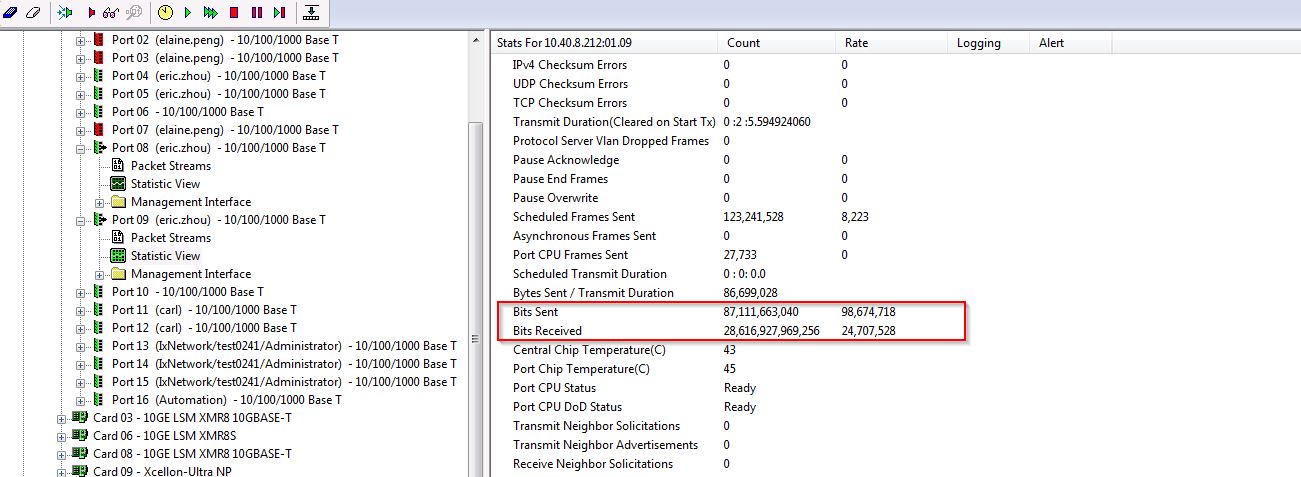
BTW, pleare refer to attachment of 'shape rate with packet is 1500Bytes.jpg'.
Thanks,
Eric
NETGEAR Employee- NetGeak88Aspirant
Hello Eric,
I am not sure I understand. With 'traffic-shape 25' on that interface, AT&T/ASE says we're still hitting their policer and that is most likely causing are poor throughput. Is there a way to set a committed burst size on egress for the port?
- Retired_Member
Hi NetGeak88,
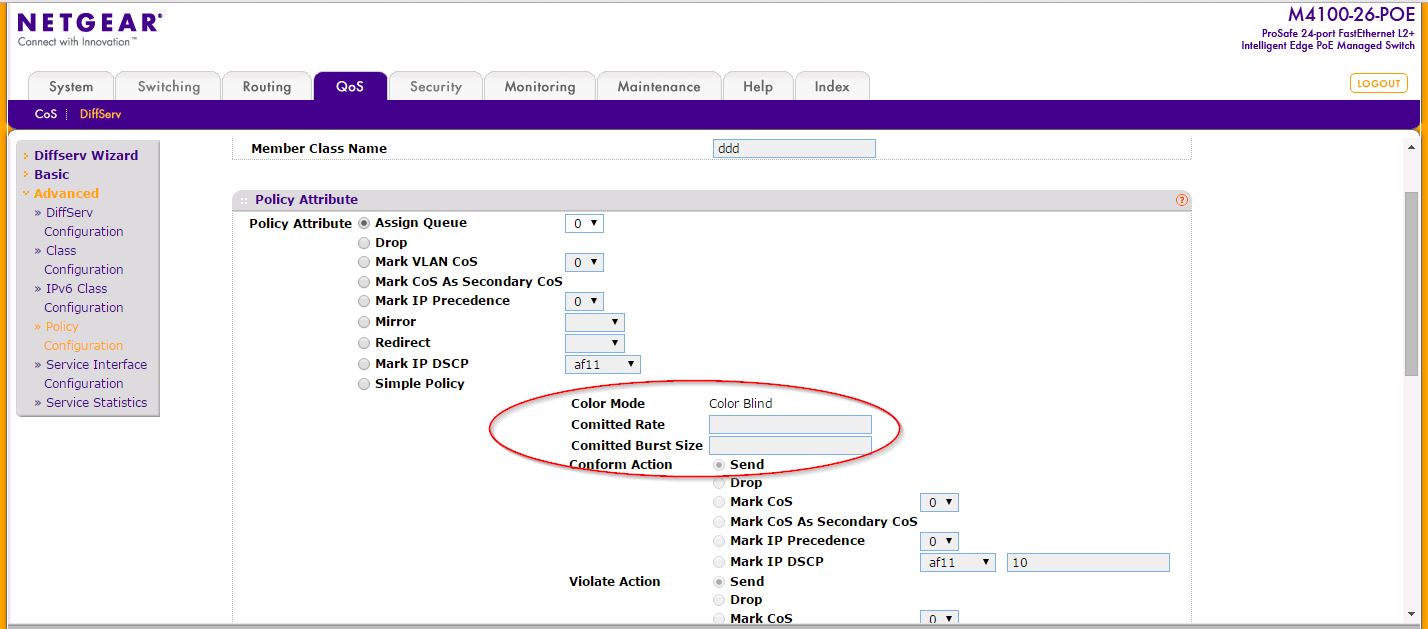
Do you mean to set CR(Committed Rate) and CBR(Committed Burst Size)? If so, maybe the DiffServ feature can comply with your request.
For the detailed information of DiffServ, please refer to User Manual(Page241):
http://www.downloads.netgear.com/files/GDC/M4100/M4100_UM_2apr15.pdf
Thanks,
Eric
NETGEAR Employee
Related Content
NETGEAR Academy

Boost your skills with the Netgear Academy - Get trained, certified and stay ahead with the latest Netgear technology!
Join Us!
