NETGEAR is aware of a growing number of phone and online scams. To learn how to stay safe click here.
Forum Discussion

asiegbucp
May 03, 2020Tutor
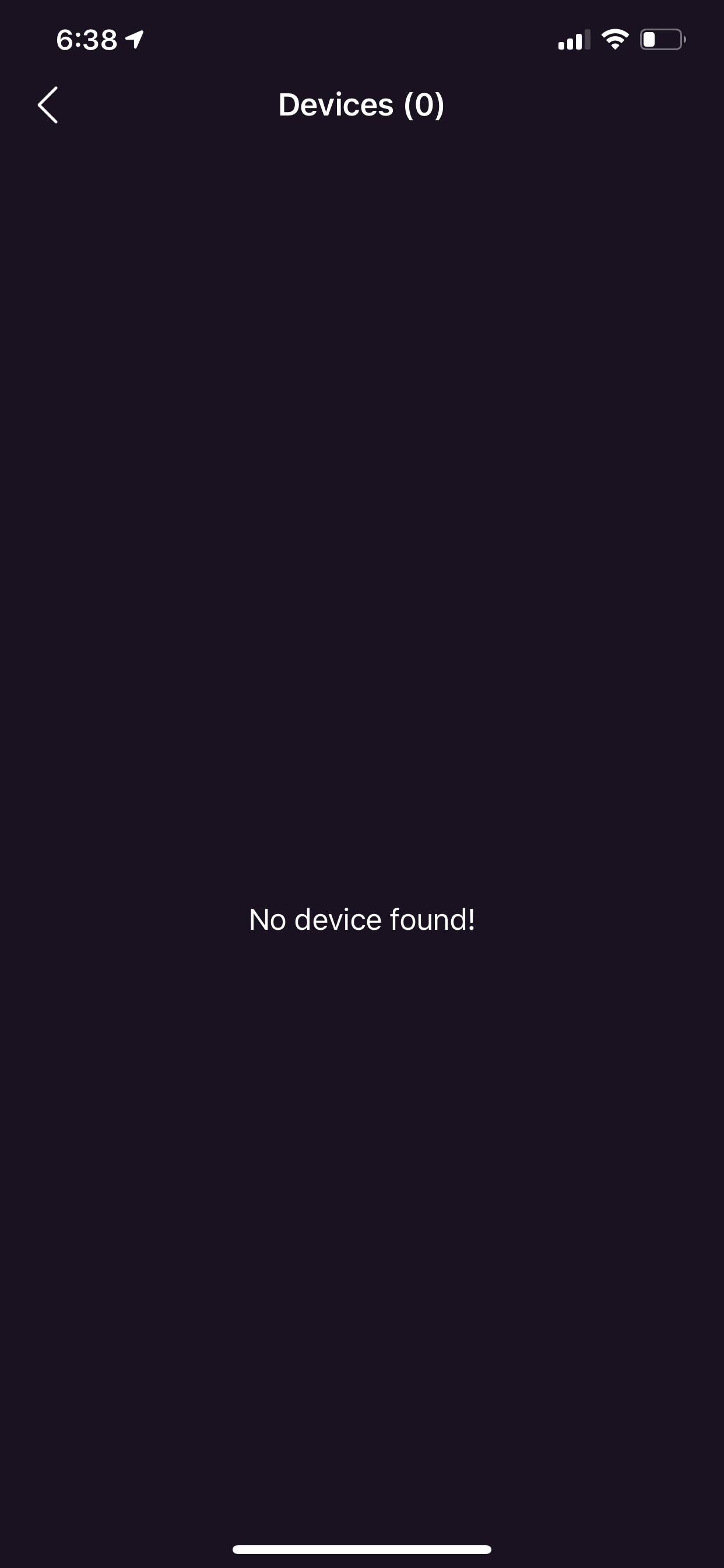
nighthawk app version 2.5.0.47 - no device found by device manager
After upgrading the nighthawk app on my iPhone to version 2.5.0.47; the device manager on the app cannot find none of my connected WiFi devices and yet I have about 7 devices connected to the Netgear WiFi router device. This is very frustrating as I cannot conveniently manage my WiFi devices anymore. See attached picture.
Hello Community,
We recently released Nighthawk app version 2.5.1.10 on iOS. Please update or reinstall the Nighthawk app and let us know if your issue persists.
Thanks,
Christian
16 Replies
Replies have been turned off for this discussion
- HasibInitiateI’m having the same exact error on my device as well
- junerohAspirantSame problem started a few days ago. Very frustrating. I cannot mange the attached devices anymore.
- jonahkeeganAspirantSame issue, the latest update seems to have broken this feature. :-(
- EBotto246Aspirant
Same troubles. Is there another way to access the manager? I turned off kids phones and tvs so they would go to sleep last night and now I have no way to turn back on. Guidance please.
- ChickengutzAspirant
You can use the link below for details on how to use a web browser. Once logged in click the Advanced tab->Security->Access Control.
https://kb.netgear.com/980/How-do-I-log-in-to-my-NETGEAR-home-router
- Diss123Aspirant
This afternoon the device manager on my Nighthawk app started showing "No device found!" and I have at least 9 devices connected. This is frustrating as I use this feature daily to limit child's access to internet. Please help!!
- WME615AspirantThe Nighthawk App for iOS is unable to load connected Wi-Fi devices. Really frustrating. Anyone know how to resolve or how to contact Netgear about this?
- AlexDageAspirant
We are having the exact same problem and this is getting on my nerves. Such a garbage app.... always something not working properly! First, I had to pass through remote management to have access to my devices, now nothing works, I have to go through the Netgear Genie on my computer to manage my devices... Will get rid of this garbage in a very near future and will deal no more with Netgear products. I'm done!
- smalboisAspirant
Same issue.... app got updated on the phone 2 days ago and no device found since. Poor, very poor experience Netgear. Some testing is a good idea.
 Christian_RNETGEAR Employee Retired
Hello Community,
Our engineering team is aware of an issue with the device manager feature not functioning properly on the Nighthawk app and they are currently investigating. In the meantime, please use the web browser to manage your devices.
Thank you for understanding,
Christian
- Maybe it will take Netgear engineering team ages to fix their mess. Maybe they fix their mess when most of us customers drop Netgear devices and switch to linksys devices. What an unnecessary frustration and very bad business mistake. Fix your mess Netgear NOW!
- Christian_RNETGEAR Employee Retired
Hello Community,
We recently released Nighthawk app version 2.5.1.10 on iOS. Please update or reinstall the Nighthawk app and let us know if your issue persists.
Thanks,
Christian
- Recent nighthawk app update 2.5.1.10 cannot be logged into. What a stressful and annoying app! Can an adult in Netgear fully test this app before releasing it to the public? This is an absolute embarrassment to the reputation of Netgear. Please fix your app once all for all!