NETGEAR is aware of a growing number of phone and online scams. To learn how to stay safe click here.
Forum Discussion

Xano0174
Jun 06, 2022Aspirant
CAX80 Nighthawk Losing Internet
Have had a CAX80 Nighthawk for around 2 years now. Have had no issues with it. Have xfinity as an ISP.
Randomly in the middle of the night everything disconnects. My immediate reaction is to check with xfinity. Showing no outage and I'm able to connect to fine to the public xfinity wifi from my phone.
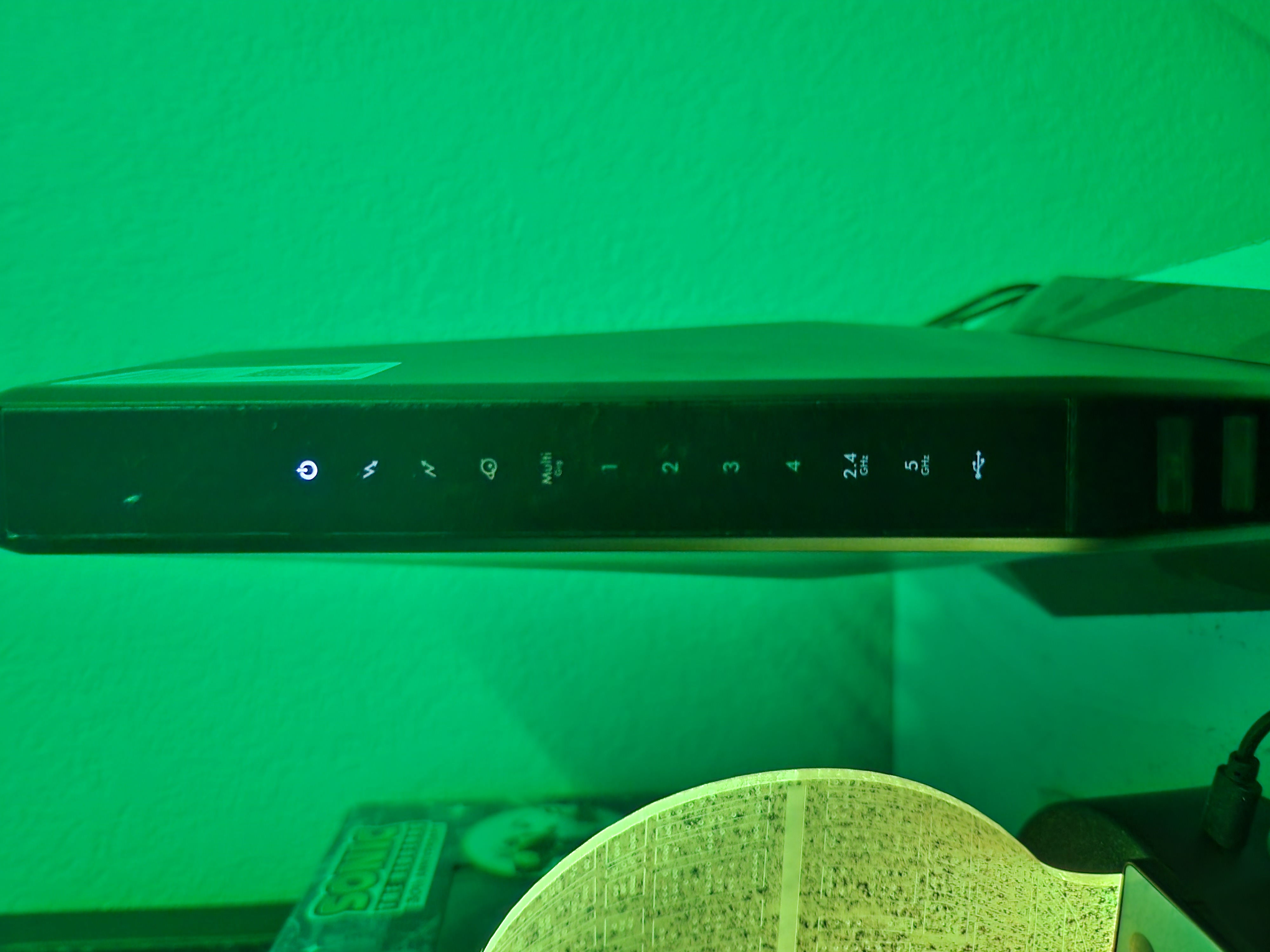
I try power cycling my modem. When it boots it shows the 1-4 ethernet ports as red for about 5 seconds.
Afterwards all nights but the power light go off. The power light stays a solid white the entire time with no changes after sitting over 30 mins.
I saw some threads with similar issues. I tried unplugging the coax and resetting. Tried power cycling several times.
Unable to connect to the 192 number to check it out. It just sits there with a solid white power light and nothing else happening.
Did my modem just flatline on its own randomly? I tried submitting an RMA but every time I do it says there is an error processing and I should try again later.
Has anyone found a fix or the reason this happens? None of the threads had any solution.
Thanks.
Randomly in the middle of the night everything disconnects. My immediate reaction is to check with xfinity. Showing no outage and I'm able to connect to fine to the public xfinity wifi from my phone.
I try power cycling my modem. When it boots it shows the 1-4 ethernet ports as red for about 5 seconds.
Afterwards all nights but the power light go off. The power light stays a solid white the entire time with no changes after sitting over 30 mins.
I saw some threads with similar issues. I tried unplugging the coax and resetting. Tried power cycling several times.
Unable to connect to the 192 number to check it out. It just sits there with a solid white power light and nothing else happening.
Did my modem just flatline on its own randomly? I tried submitting an RMA but every time I do it says there is an error processing and I should try again later.
Has anyone found a fix or the reason this happens? None of the threads had any solution.
Thanks.
9 Replies
- FURRYe38Guru - Experienced User
Disconnect the coax line from the modem. Press the reset button for 10 seconds, see if the modem cycles thru the LEDS then should all go OFF accept for the power. Then plug back in the coax line to the modem.
Can you access the modems web page any with a wired PC connected to port #4 and a web browser at 192.168.100.1?
- Xano0174AspirantI have attempted to reset the modem. When I disconnext the coax and hold the reset button, nothing happens. No lights flash or cycle and the power light remains solid.
I am unable to access 192.168.100.1 through port number 4 connected to a PC. DarrenMSr. NETGEAR Moderator
Have you tried to access the modem with 192.168.0.1? also, are you able to access the router with 192.168.1.1?