NETGEAR is aware of a growing number of phone and online scams. To learn how to stay safe click here.
Forum Discussion

Tryll
Apr 07, 2017Guide
ReadyNAS Replicate configuration not possible
After falling victim to the ReadyCloud outage issue, I also noted that Replicate was not acting normally. In attempting to log in to the replicate management portal, I could no longer log in. This was discussed directly with support by email, as well as in the, now locked, thread about the ongoing ReadyCloud failure issues.
Apparently the inability to log in may have happened when we were forced to migrate to MyNetGear accounts? I'm not sure about that.
Either way, the Replicate service apparently switched off along with ReadyCloud. Now that it is manually reenabled on the NAS(s) it has started functioning again, and according to the logs it emails me, it is completing previously defined jobs successfully.
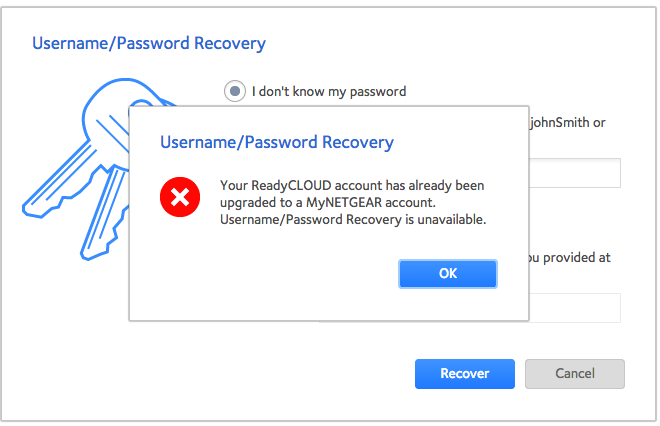
But, I still can't log in to the management site, so it is pretty much just running those jobs with no ability for me to make any changes. I can't recover the username password combo (which I already know the correct ones), or reset the password. According to support, I need to create a new account, but that isn't possible because new accounts can't be created on the servers at this time. ??
I'm wondering if this is a wider spread issue than just me, if NetGear plans to do anything about it, and if and when it will again be possible to log in to the Replicate manager.
Wow NetGear, what the heck happened that made your entire solution fall apart at the seams?? :smileyfrustrated:
3 Replies
Replies have been turned off for this discussion
- Retired_Member
Hello Tryll
Replicate is using Remote account to work,if you cannot login Replicate management site,please reset passwd of your Remote account at http://remote.readynas.com/.
- TryllGuide
Retired_Member wrote:Hello Tryll
Replicate is using Remote account to work,if you cannot login Replicate management site,please reset passwd of your Remote account at http://remote.readynas.com/.
As I've mentioned, the Replicate and/or Remote passwords can not be retrieved or updated and my account was "upgraded" to a MyNetGear account.
- Retired_Member
Hello Tryll
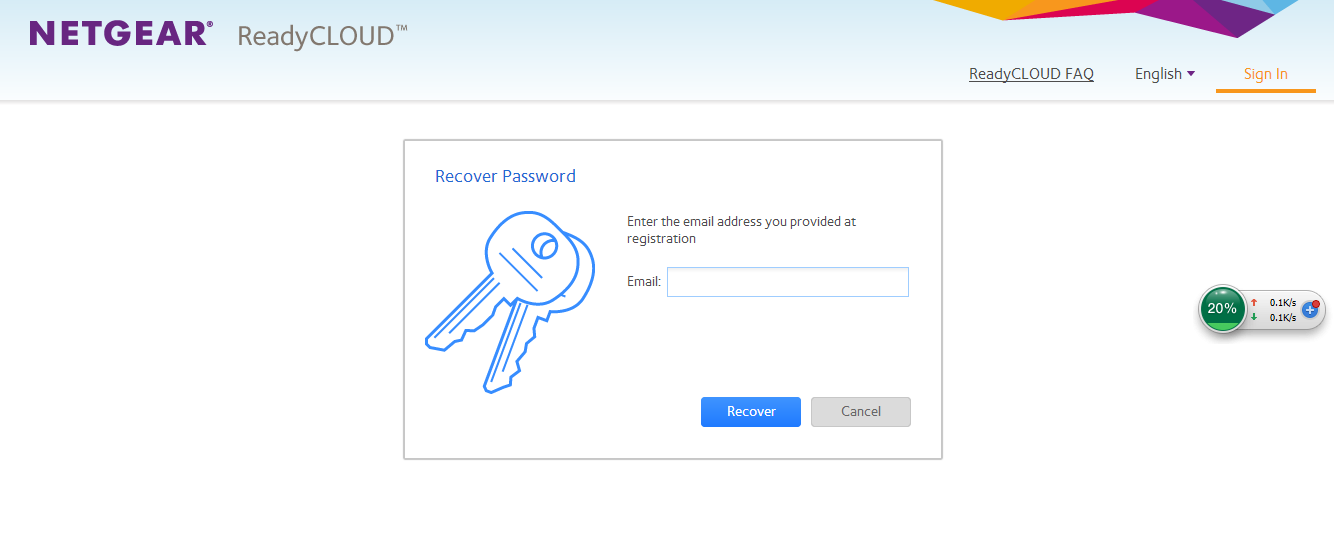
if your account is already migrated to MyNETGEAR account,you must recover MyNETGEAR password on ReadyCLOUD portal directly.
after you reset password ,you can use it to log in Replicate with your old Remote acount name.
Related Content
NETGEAR Academy

Boost your skills with the Netgear Academy - Get trained, certified and stay ahead with the latest Netgear technology!
Join Us!
