NETGEAR is aware of a growing number of phone and online scams. To learn how to stay safe click here.
Forum Discussion

FG
Jun 21, 2017Aspirant
Backup-----push data from NAS to another source
firmware 6.7.4
readynas 2120
In the GUI, under the backup tab, I have a task the pushes some of data on the NAS to a drive on our server( win server 2008).
Task settings
Remote:windows/NAS (timestamp)
I don't have a schedule for this, it backs up only when I click start
options tab
- schedule full backup: everytime
- remove the contents of the backup destination before the full backup
Often times I get a message like below when task is finished. But the same task worked fine the day prior. As soon as I go to the destination and delete or rename target folder then everything is fine again for a bit.
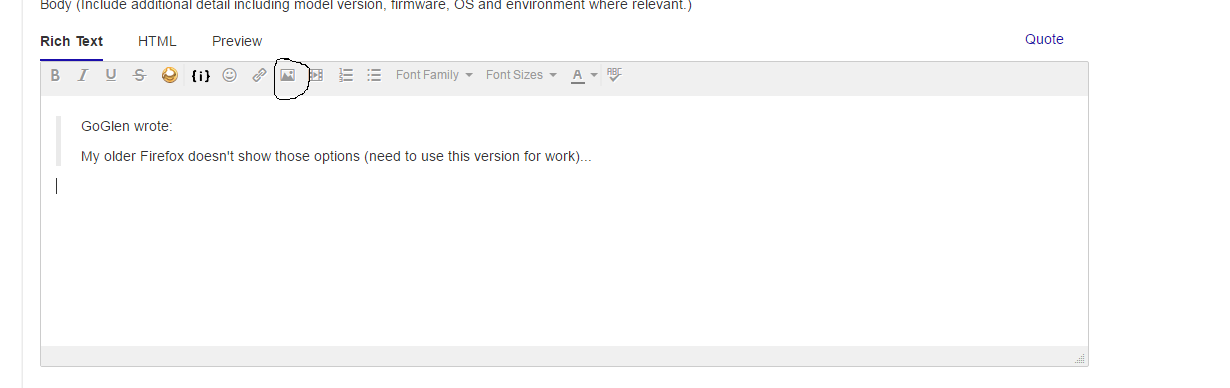
How do you post a screenshot or attachment to this forum, am I just overlooking it?
Backup Status: Fail: destination is read-only or files/folders could not be created. Check if these files or folders meet the destination file system limitation.
Cannot create file '/job_020/Backup_From_NAS/test123/__foo__.10845' (error: No such file or directory)!
17 Replies
Replies have been turned off for this discussion
 HopchenProdigy
Hi,
It's a bit odd why it would go read only. It is a difficult thing to troubleshoot with several possibilities;
- Does the mount point go R/O on the NAS side?
- Does the win server make the destination R/O for some reason?
- Does it happen because the file permissions changes on stuff inside the windows folder, denying the NAS to write to it?
- Could it be some windows sync program causing the folder to go read only (locking it) ?
Is not that easy to answer straight away. However, what the NAS does is really simple. It mounts an smb share and edits/copies data into it. That is really straight forward. I think the reason StephenB asks about the widows side is because more things can go wrong there. Best approach would be to start eliminating things.
When the job fails, check:
- File permissions on the Windows folder (Properties --> Security). Are files and folders still R/W for the user that the NAS is authenticating with? Try resetting the permissions on the windows folder and all content inside.
- Is there a pattern? If you run the job at a different time, does it work?
- Turn off programs like AV and sync agents, then try again.
- Login to the NAS over SSH and monitor the Windows mount point when the job runs: watch "mount"
Does the mount point stay R/W on the NAS side?
- When it fails, don't rename the folder in windows. Delete all files inside the folder manually instead and run the job again. Does that help?
- When it fails, don't do anything on the windows side. Delete the backup job on the NAS and re-create it. Does that do anything?
You have to try and determine where the issues is first. NAS side or windows side. When did the problem start? Any recent program installs around that time or other changes, etc.
We might be able to help better if we know on which side the fault lies :)
Cheers
- FGAspirant
The NAS can write to the PC. It completes most of the backup task, writing nearly all of the data then at some point fires off the error message.

Related Content
NETGEAR Academy

Boost your skills with the Netgear Academy - Get trained, certified and stay ahead with the latest Netgear technology!
Join Us!
