NETGEAR is aware of a growing number of phone and online scams. To learn how to stay safe click here.
Forum Discussion

mrkclw
Sep 26, 2015Aspirant
Can my Neatgear ReadyNas 10200 connect to router by using Wifi dongle ONLY?
Hi all, I just brought a ReadyNas 102 recently and everything runs smoothly. One thing I really want to do is to connect to the my Netgear router (N300) by using my Wifi dongle as I want to put my NA...
 Oct 15, 2015
I think I'd try to find another way to shield the NAS from the cat. Maybe get a small pet wire cage, and put the NAS inside? Likely the cheapest solution.
As far as bridge mode - I think you are perhaps confused.
Your router is single band, so if you want to use it for wifi you would leave it alone. You can add an wifi extender (or purchase a new router that supports bridge mode). Any of the extenders here should work: http://www.netgear.com/home/products/networking/wifi-range-extenders/ With your current router the WN3000RP is enough (your router WiFi can't handle anything more capable).
A much more expensive (but more capable) WiFi solution would be to get a Nighthawk R7000 router and a EX7000 extender. You'd put the Nighthawk behind your current router (connecting everything to the R7000), and turn your current WiFi off. Then use the extender in the bedroom. You'd upgrade your WiFi speeds overall, as well as being able the connect up the NAS. FWIW, you can use a second router instead of the EX7000 extender, if you set it up in bridge mode.
Or use powerline (http://www.netgear.com/home/products/networking/powerline/) A pair of PL1200s would do nicely.

itsjasper
Sep 27, 2015Luminary
No, you can't use a USB wifi dongle.
But you could get a wireless repeater with an ethernet socket, and use that to make a wireless bridge with the NAS connected via Ethernet to the repeater in the bedroom.
Another option would be to use Powerline Ethernet adaptors.
Note that depending on the devices used, you will get less throughput than you would if the unit was directly connected via a LAN cable to your main router.
- mrkclwOct 07, 2015Aspirant
Thank you so much for your reply.
Not sure how to set up two routers. Can you show me how to do that? I did try before but was sure I did the right thing or not.
Thanks.
- StephenBOct 08, 2015Guru - Experienced User
Is there any particular reason you want the NAS in your bedroom?
You want to put the router into wifi extender mode. On new Netgear routers this is usually done with the advanced wifi settings. There is an "use other operating mode" checkbox for the radio, which when checked shows "Enable Bridge Mode".
You'd then need to configure the SSID and passphrase for your main router.
There are wifi extenders pairs you can also buy. If the bedroom isn't far from the main router, you will get faster speeds with 5 Ghz wifi - which your router doesn't support. Using 5 ghz would also keep the NAS wifi traffic from slowing down your main internet.
Powerline is another option - there are models that include local wifi hotspots with ethernet. That might improve wifi performance in the bedroom as well as connecting the NAS.
WiFi performance varies with distance, interference, etc. Powerline performance depends on the house wiring and circuilt loading. So neither is as reliable as ethernet (and in both cases the NAS is probably faster than your network feed).
- mrkclwOct 14, 2015Aspirant
Thanks for your reply.
The main reason why I want to put NAS in my bedroom is I don't want my pets to touch it as sometimes they may play with my NAS.
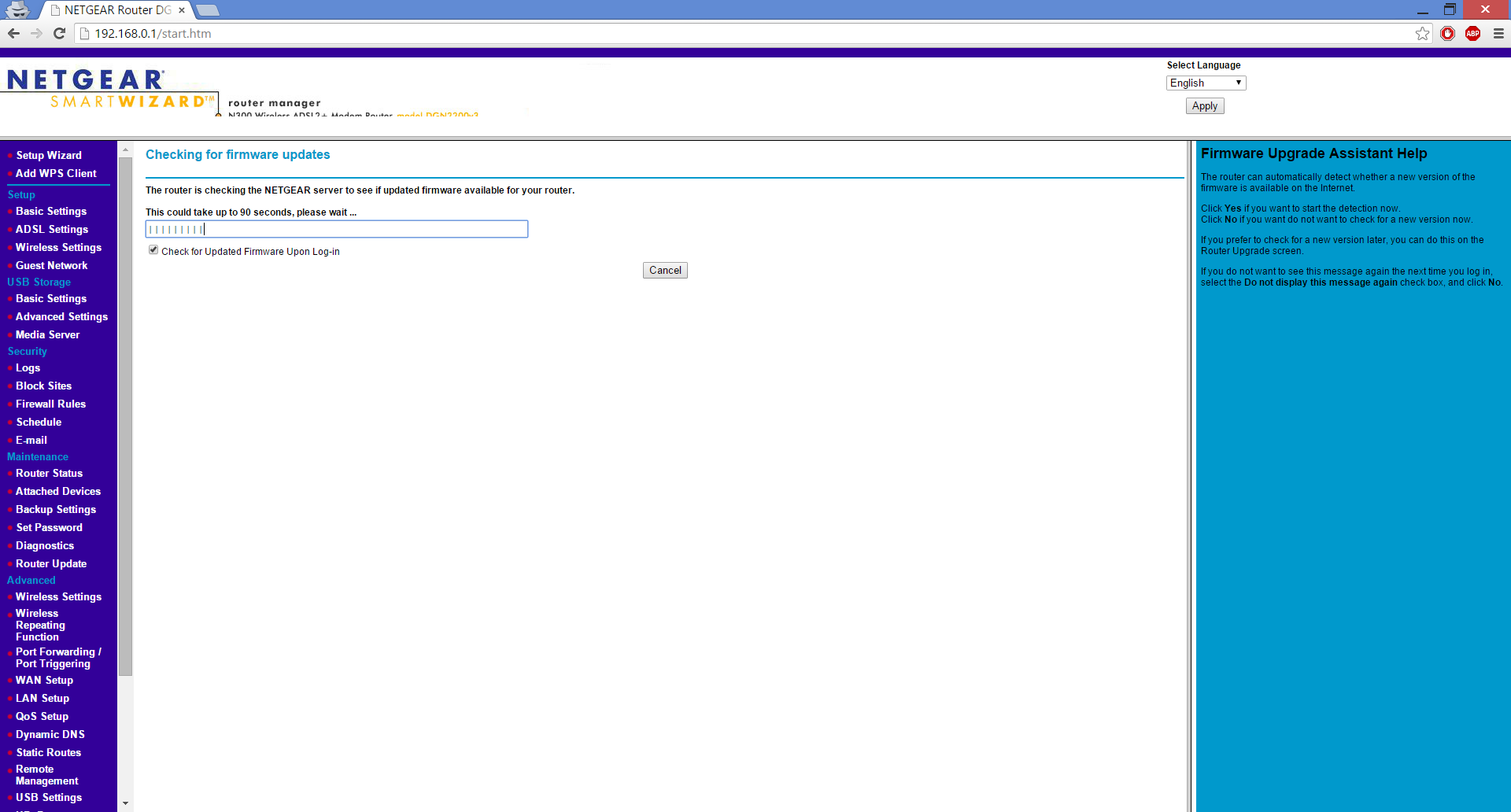
I've been trying this for a few days but I still don't know how to set my devices up as I couldn't find any anything is related to what you mentioned in your previous post. The only thing I can find is the "repeater" mode. Here is the user manual that I found on the Internet. (http://www.downloads.netgear.com/files/GDC/DGN2200V3/DGN2200v3_UM_07Oct2013.pdf)
This is the router that I'm having for now.
Related Content
NETGEAR Academy

Boost your skills with the Netgear Academy - Get trained, certified and stay ahead with the latest Netgear technology!
Join Us!
