NETGEAR is aware of a growing number of phone and online scams. To learn how to stay safe click here.
Forum Discussion

Shah079012
Mar 09, 2017Aspirant
ReadyNAS Ultra 6 Plus
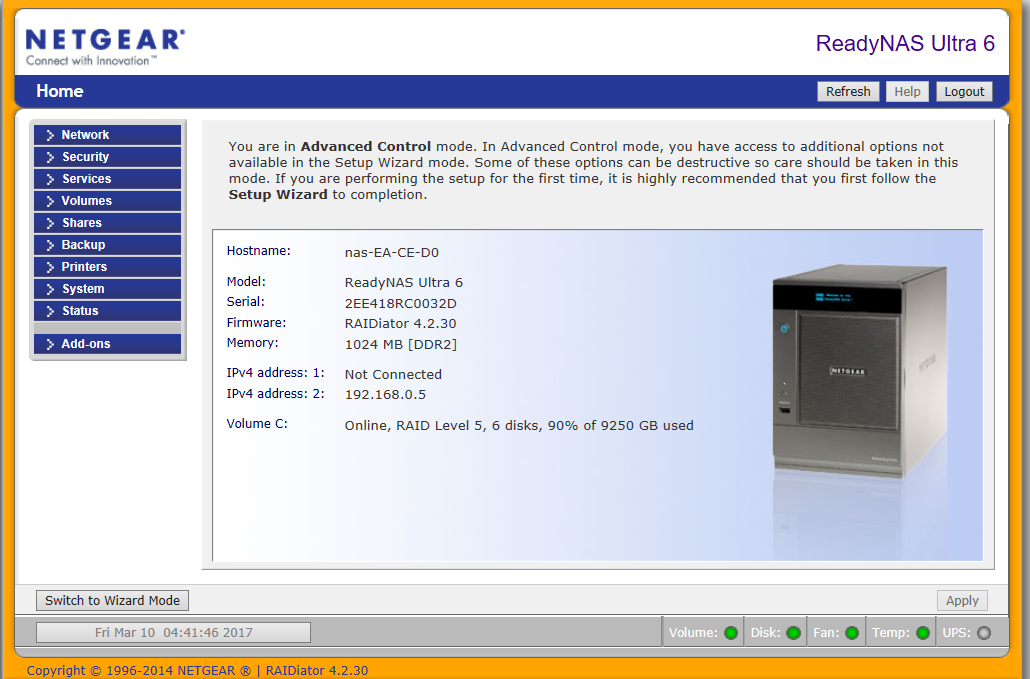
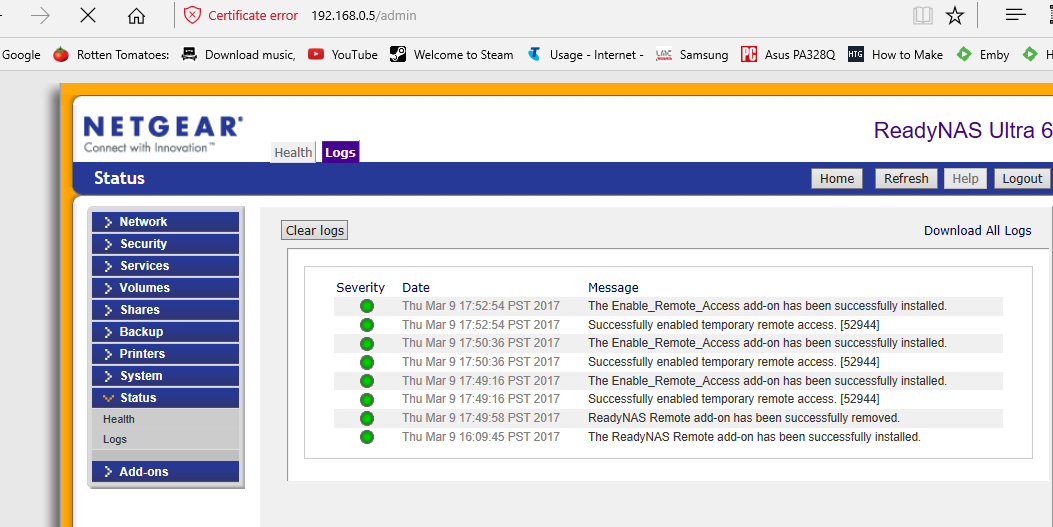
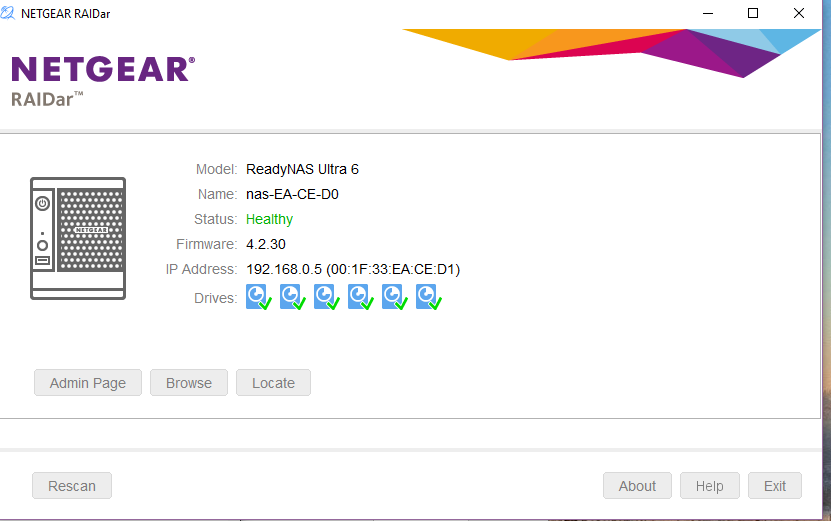
Good morning, can I please get a techincal contact to remotely login to my NAS (ReadyNAS Ultra 6) login code 52944 and latest screenshot below.
Netgear ReadyNAS Ultra 6, Firmware 4.2.3.0
I have had someone from “Netgear Community” look at this previously and I already know what the issue is https://community.netgear.com/t5/Using-your-ReadyNAS/lost-access-to-READYNAS-ULTRA-6/td-p/1237161/highlight/false
Previously I was unable to access the drive and he Replaced the SMB config file with the default one and now the share is accessible over SMB. But now the log on the root volume on system appears full again and I do not have the knowledge to remedy this.
It has been suggested that if this occurs that, one will then need to find what's filled it and deal with that then check config files to see if they have been corrupted (due to the full root volume) and if so deal with that.
I am now unable to access the Netgear router webpage at - https://192.168.0.1/
ReadyNAS webpage is fine at - https://192.168.0.5/admin/
assistance would be sooo greatly appreciated
previous thread and assistance provided by the awesome mgdm below
7 Replies
Replies have been turned off for this discussion
- Shah079012Aspirant
does anyone please know how to do the below? preiously this was done and it sorted my porblem...
"Replaced the SMB config file with the default one and now the share is accessible over SMB".  Ki_Adi_MundiNETGEAR Employee Retired
Did a quick check, didn't find root full:
nas-EA-CE-D0:~# df -h
Filesystem            Size  Used Avail Use% Mounted on
/dev/md0              4.0G  455M  3.4G  12% /
tmpfs                  16K     0   16K   0% /USB
/dev/c/c              9.1T  8.2T  923G  91% /c
nas-EA-CE-D0:~# df -i
Filesystem            Inodes   IUsed   IFree IUse% Mounted on
/dev/md0               65536   12936   52600   20% /
tmpfs                 126593       1  126592    1% /USB
/dev/c/c             152168448  495900 151672548    1% /c
- Shah079012Aspirant
many thanks for taking a quick look, this seemed to fix the issue last time, i have tried os re-install already this morning a couple of times to no effect. I gave my login access previous and permission but im not exactly sure what he did for me. From all of the forums i have read on the net and on here I cant find any solid answers on how to remedy this other than "Replaced the SMB config file with the default one and now the share is accessible over SMB". that seemed to do the trick last time. though i cant find any instructions on how to do this. Are there any available?
many thanks for your assistance
- Shah079012Aspirant
i can provide the log file printouts if that would help also
Related Content
NETGEAR Academy

Boost your skills with the Netgear Academy - Get trained, certified and stay ahead with the latest Netgear technology!
Join Us!
