NETGEAR is aware of a growing number of phone and online scams. To learn how to stay safe click here.
Forum Discussion

CarlRossi
Feb 02, 2016Aspirant
ReadyNAS NV+ access #26406628
I have used this device for five years. The power supply died. I replaced it. Installed the drives are in the same locations. All files and access were back, AFP, CIFS, https (Frontview). There was one glitch, Frontview home screen showed 0% of 0mb usage, yet the files were there. Sounds great huh?
Well, then came El Niño ... We had a power outage, twice. The second time the NAS acted up. It boots, and the lcd shows the correct volume usage/size. But there are no file protocols because my computers can not find anything. Frontview admin is "can not connect to server". The Raidar app finds the device fine, shows it healthy, all drives normal.
Anyone knowwhat what is going on? It is like a gremlin got in there and turned off all protocols.
my network gear (Meraki) tested the cable, and the device appears to have a connection (again Radar fins it fine).
After reading a little, I am wondering if there is a back door SSH solution to turn on protocols?
Or, should I reinstall the OS, with the Radar interrupt back out before wiping out my data? Can't do that...it is not backed up.
thanks for reading.
Carl
No. This is not an issue with the firmware on the flash and if it was you should use USB Boot Recovery not TFTP.
There is every indication that this is a problem on the disks not on the flash.

23 Replies
Replies have been turned off for this discussion
 StephenBGuru - Experienced User
You could try per-incident support (though that could end up escalating to a data recovery contract).
It is also possible to mount the RAID array in an x86 linux system, and extract the data.
If you have the skills, you could also telnet into the box (after booting up in tech support mode). Though the data volume would need to be manually mounted, and it would be easy to do more damage.
- CarlRossiAspirant
See latest update to mgdm.
A corrupted something in the FW or OS copy??
Thanks so much for chiming in....
Carl
- mdgm-ntgrNETGEAR Employee Retired
Hi Carl,
Did you manage to download the logs as requested on the case before you lost access?So the data is important, but you have no backup? Important data should always be stored on multiple devices. Especially as hardware ages there is the possibility you may run into problems.
If you value your data, I would follow up with support and get any needed contracts for them to look into this. They may/may not be successful but they have a better chance than you trying to fix this yourself.
- CarlRossiAspirant
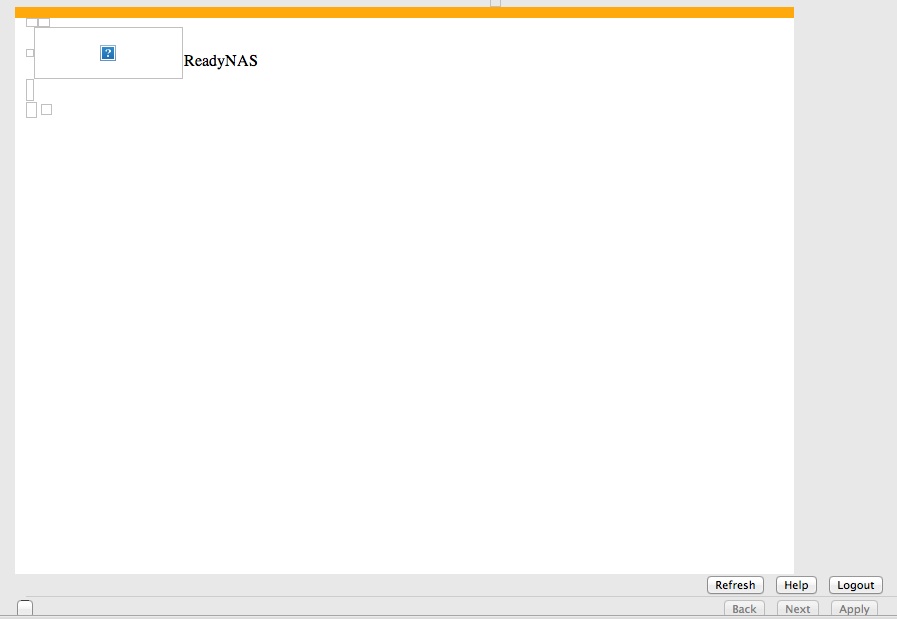
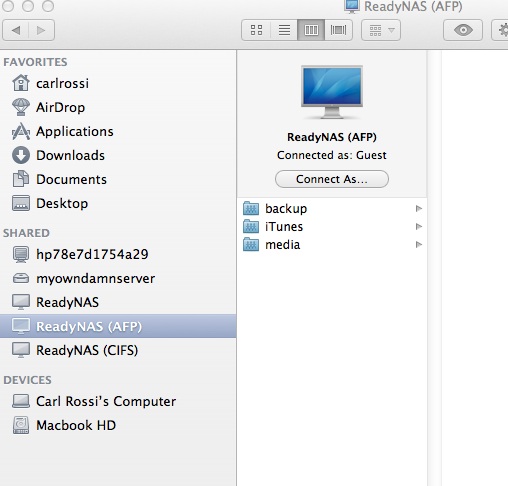
I did an OS reinstall. Let File Check run and booted up. AFP access is back and files and shares are in tact. Frontview opens but only goes so far. I have uploaded a screen shot in Mynetgear to the add to the case so you can see the partial Frontview load.
I did send the log I grabbed before things went south to this case number, didn't you get it? I just uploaded it again. It is a screen shot of the log screen, not a log file. I was not sure how to extract that.
- CarlRossiAspirant
So this is as far as I get now....a partial Frontview load. Is there a way to reinstall Raidiator through Telnet or AFP without Frontview?
- CarlRossiAspirant
But is nice to see those shares and file again. Don't know how many DVDs I'll need to burn to back up the data (2.3T) Whould that really be 4.7GB divided into 2.3T of data. Eeegads! 489 DVDs.....that's not going to happen. I guess I need to get another NAS and copy transfer over?? I see the falicy of thinking a NAS is backup. At least only one NAS.
- mdgm-ntgrNETGEAR Employee Retired
I would thinking backing up your data would be a logical next step, yes.
Sounds like it probably isn't data recovery.
Support would need a Pay Per Incident contract to look into this remotely. You may prefer to simply backup your data and restore to factory default (wipes all data, settings, everything) then restore your data from backup.It could be a full OS partition or something like that.
- CarlRossiAspirant
TFTP. What do you think about doing that as a first try? AFTER THE BACKUP!
Related Content
NETGEAR Academy

Boost your skills with the Netgear Academy - Get trained, certified and stay ahead with the latest Netgear technology!
Join Us!
