NETGEAR is aware of a growing number of phone and online scams. To learn how to stay safe click here.
Forum Discussion

A-Space
Apr 25, 2017Aspirant
Unable to access my ReadyNAS system using ReadyCLOUD
For the last 2 years, my 2 drives have been communicating perfectly - a friend set up and I've had one in the Netherlands and the other in England and able to view both on ReadyCloud.
I have noted the recent article https://kb.netgear.com/000038517/Why-can-t-I-access-my-ReadyNAS-system-using-ReadyCLOUD
When I log in, unfortunately I cannot see any admin page and I've tried the option stated which says to log out and cancel and try to discover the device - readycloud does not even discover the device anymore.
Please help! Apologies in advance for any slowness.... I'm new to this community support. Thanks
3 Replies
Replies have been turned off for this discussion
- xiao123NETGEAR Expert
A-Space wrote:
For the last 2 years, my 2 drives have been communicating perfectly - a friend set up and I've had one in the Netherlands and the other in England and able to view both on ReadyCloud.
I have noted the recent article https://kb.netgear.com/000038517/Why-can-t-I-access-my-ReadyNAS-system-using-ReadyCLOUD
When I log in, unfortunately I cannot see any admin page and I've tried the option stated which says to log out and cancel and try to discover the device - readycloud does not even discover the device anymore.
Please help! Apologies in advance for any slowness.... I'm new to this community support. Thanks
First, if you need to recover your home folder data? if need, you must contact support to get help
Second, if don't need to recover home folder data, you could register readycloud directly.
- A-SpaceAspirant
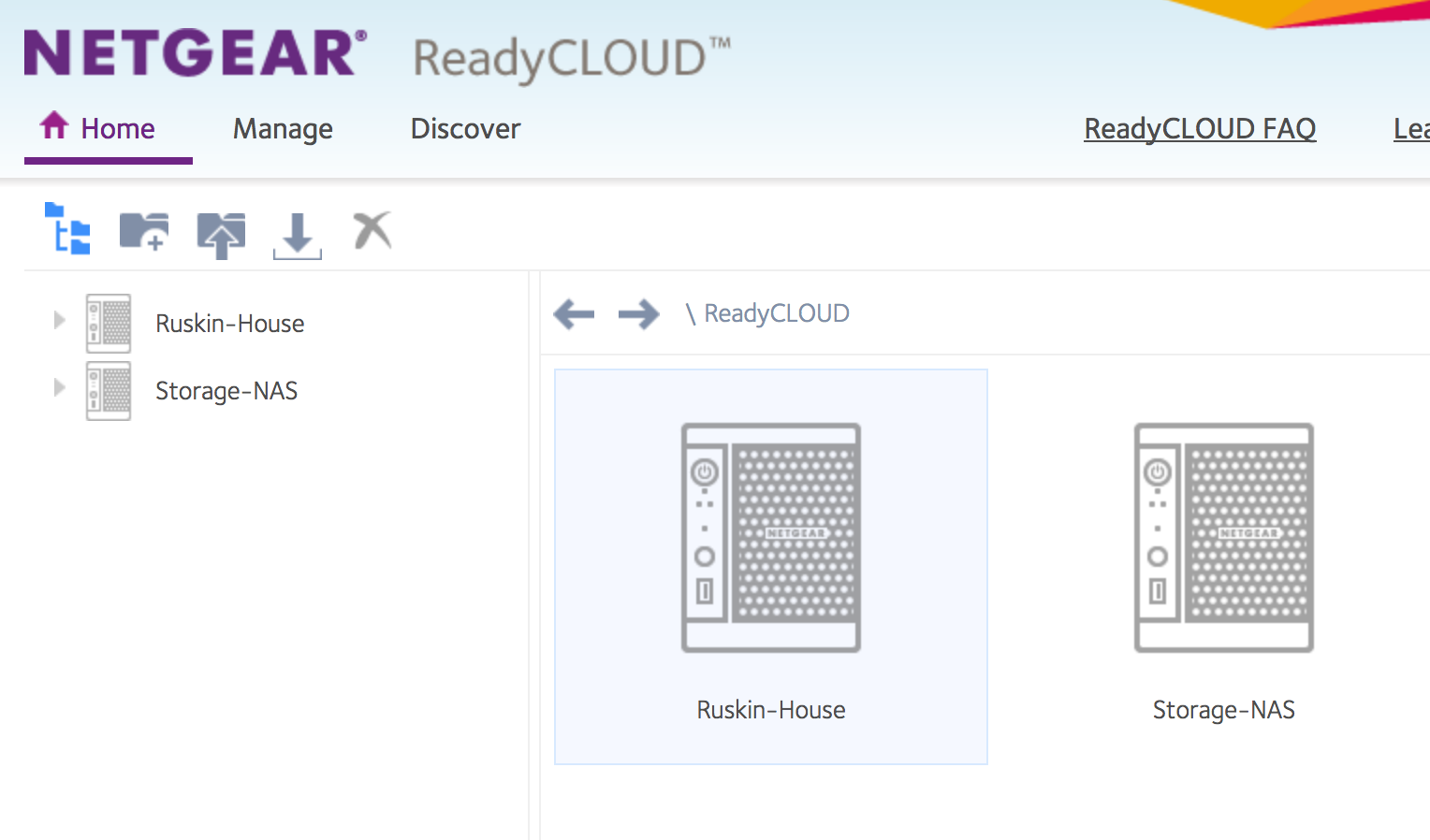
Thanks for a quick response... I don't understand what the home foler is - I'm assuming that's the main folder. I have a readycloud account - it's not reading the drives at all... please see screenshot
 StephenBGuru - Experienced User
A-Space wrote:
I don't understand what the home folder is
When you create a user account on the NAS, the ReadyNAS also creates a "home folder" for that specific user. It is intended to be a private folder, though if you log into the web UI (as admin) you will see a "home" directory. If you browse that, you will see the folders for each user.
When the user account is deleted, the home folder is also deleted - if you aren't aware of that, you can accidently lose data. ReadyCloud accounts also have this folder. The recent ReadyCloud issue (March 2017) resulted in accounts being deleted automatically on some NAS, and the home folder data was lost for those people.
There is more information on home folder in the OS 6 user manual - http://www.downloads.netgear.com/files/GDC/READYNAS-100/READYNAS_OS_6_SM_EN.pdf
Related Content
NETGEAR Academy

Boost your skills with the Netgear Academy - Get trained, certified and stay ahead with the latest Netgear technology!
Join Us!
