NETGEAR is aware of a growing number of phone and online scams. To learn how to stay safe click here.
Forum Discussion

Shah079012
Feb 27, 2017Aspirant
lost access to READYNAS ULTRA 6
Hi everyone I have a very tricky proble and I have tried a million ways to fix it. here goes
ReadyNAS Ultra6, up till recently has been active and working on my network just fine but recently w...
- Feb 27, 2017
The default admin password for RAIDiator 4 is 'netgear1' (no quotes)

Shah079012
Feb 28, 2017Aspirant
ok... so after doing the os re-install (4th time now), its the only thing that actually works to get raidar to see 192.168.0.11, i now cant access the admin page (via raidar link or manually typing in the web address) though the locate button makes the lights flash o the front yippie (wait a minute that does not help me at all)
so now i have zero idea how to actually get access to the login screen as i have changed ip addresses and stuff and it appears that has screwed stuff up more, at leat the internet still works.. for now

Sandshark
Feb 28, 2017Sensei
You may have a firewall blocking it. You may have allowed access to the old IP address but have not yet done so with the new one.
- Shah079012Feb 28, 2017Aspirant
should have mentioned before, windows firewall is off
- Shah079012Feb 28, 2017Aspirant
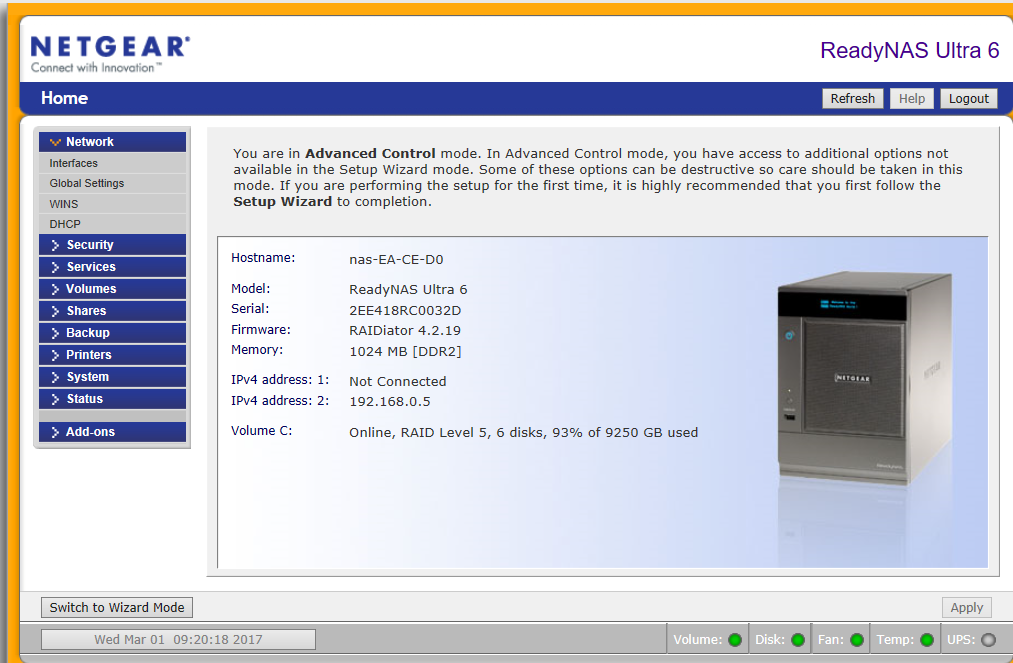
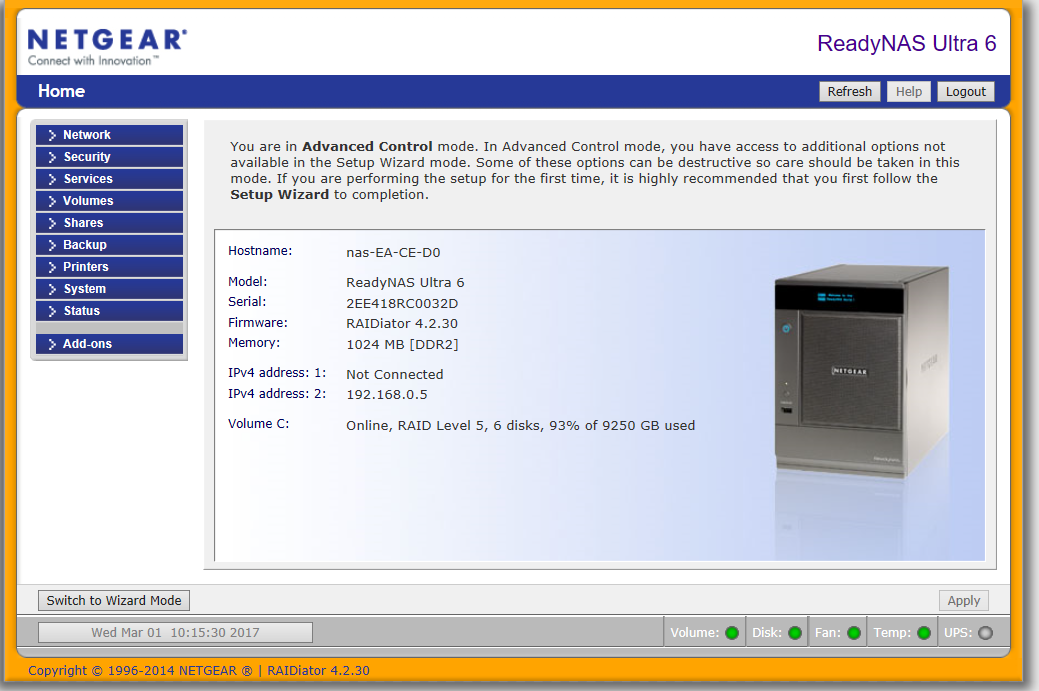
READYNAS ULTRA 6, firmware 4.2.19, windows 10 OS
Ok so here is the entire story in pictures and every step as I do it
To begin
Setup- Netgear Router (internet working and enabled) ReadyNAS Ultra 6 connected to router, PC connected to router
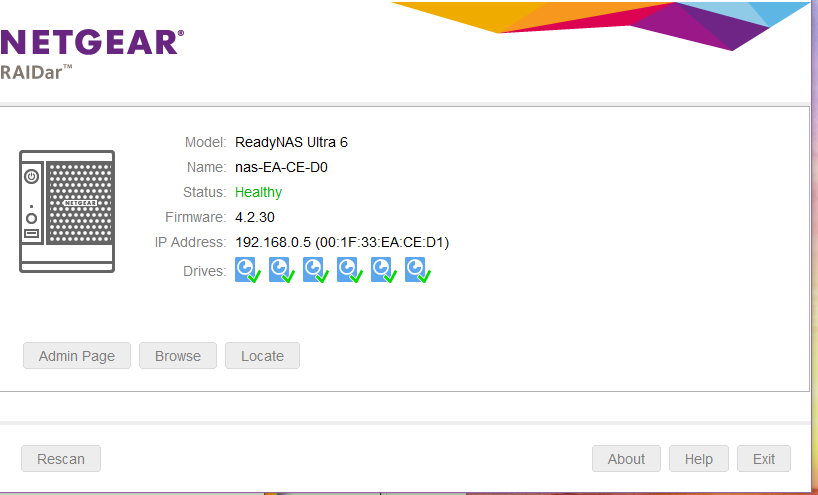
Problem: 1. NAS drive is no longer accessable (has worked for years, status is healthy when Raidar does work)
2. Raidar not recognising drive (usually fixed by OS re-install and if that does not work reset network adapter in windows (this does not fix the drive visibility)) per 8. OS re-install: https://kb.netgear.com/29770/I-can-no-longer-access-my-ReadyNAS-OS-6-storage-system-after-moving-Local-Area-Network-LAN
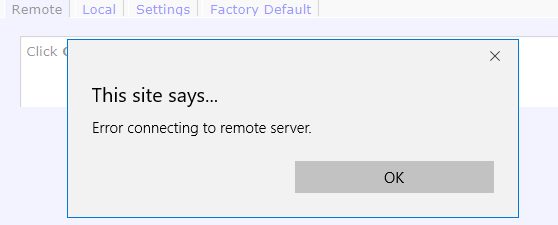
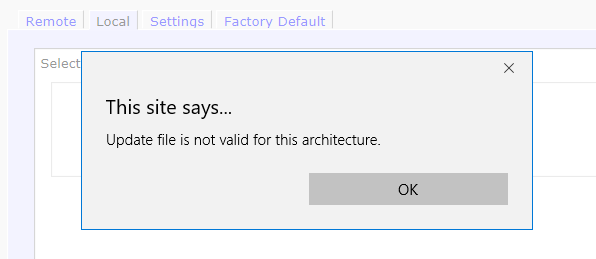
3. as suggested by a previous post attempted firmware update to RAIDiator-x86-4.2.30 http://kb.netgear.com/31196/RAIDiator-x86-Version-4-2-30 when using “local” method as “remote” attempt fails.
When attempting to install the update receive error message “not valid for this architecture”
4. per previous preious post in https://community.netgear.com/t5/Using-your-ReadyNAS/READYNAS-ULTRA-6/m-p/1238470#M125893
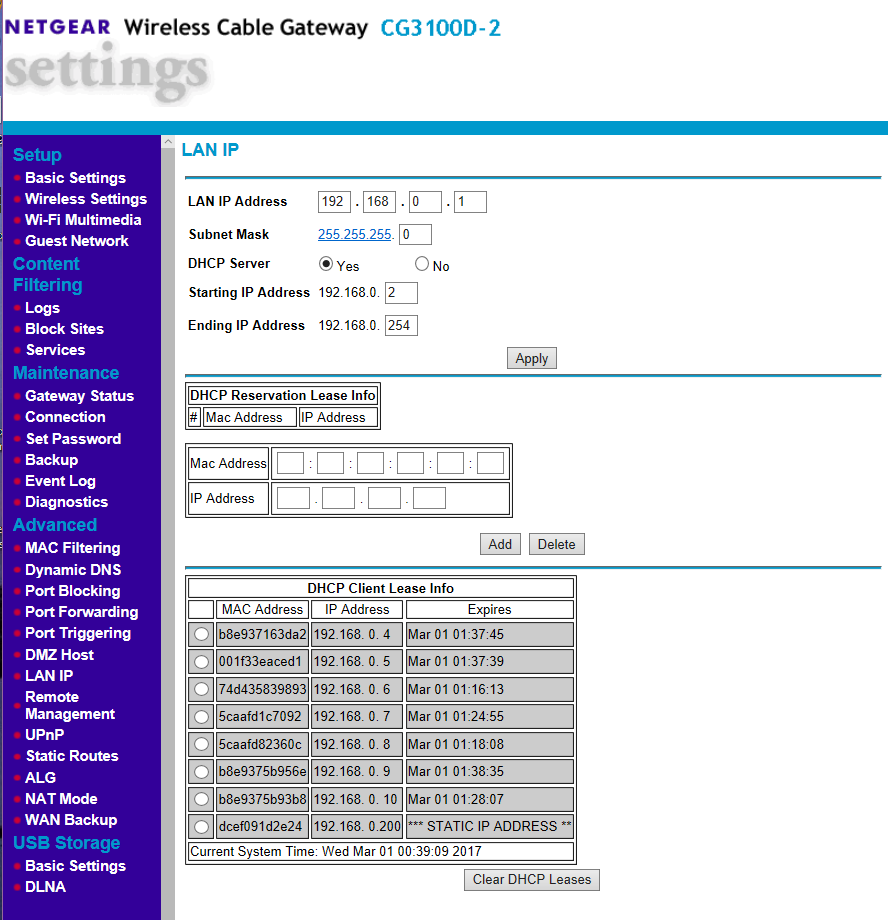
successfully added I.P. address to list
You enter the ReadyNAS MAC address into the MAC address fields. From your screenshot of the ReadyNAS, that is 00:1F:33:EA:CE:D1. You'll need to enter each character pair into its own box (a bit awkward, but that's the way it's set up). Next you enter the current IP address of the NAS into the IP address field right under the mac address. That is 192.168.0.11 There is an "add" button right underneath - after you've entered the fields, and checked them you click on it. That should be all you need to do. The Router will then assign the NAS 192.168.0.11 every time, so the address won't change. One question: your screen shot shows a static IP address of 192.168.0.200 at the bottom. Do you know what this device is? FWIW, your ReadyNAS firmware is pretty old (the current software is 4.2.30). After you get the address reserved, you might want to update it.
The addition of this address did not remedy the drive visibility either, in fact it disabled visibility on Raidar so had to do OS re-install and start from the beginning.
*I.P. on NAS did change from 192.168.0.11 to 192.168.0.5 after the I.P. was manually added
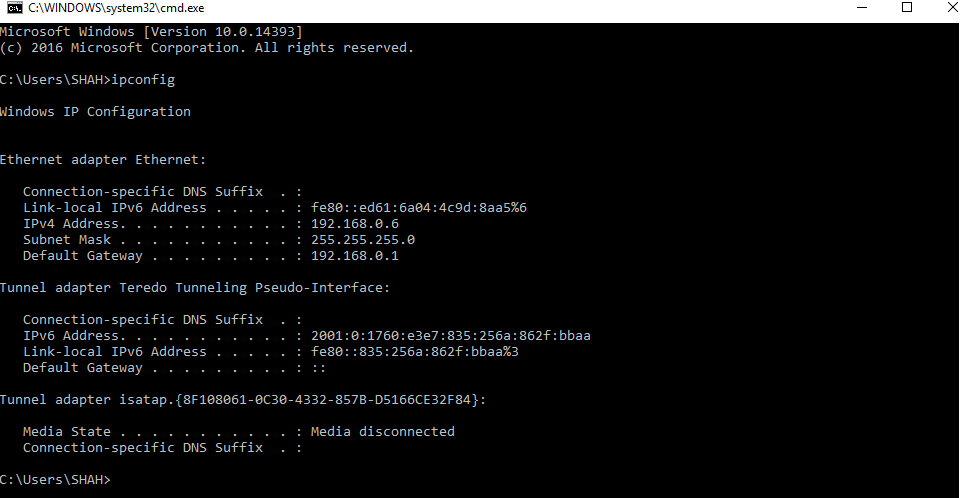
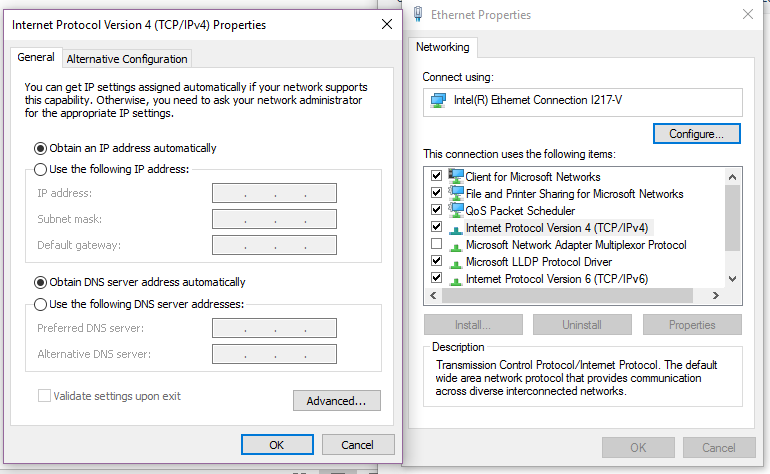
Ethernet and PC properties below
- mdgm-ntgrFeb 28, 2017NETGEAR Employee Retired
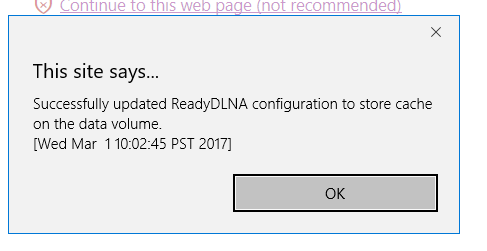
Should be fixed. Your ReadyDLNA log and cache filled the 4GB root volume.
- Shah079012Feb 28, 2017Aspirant
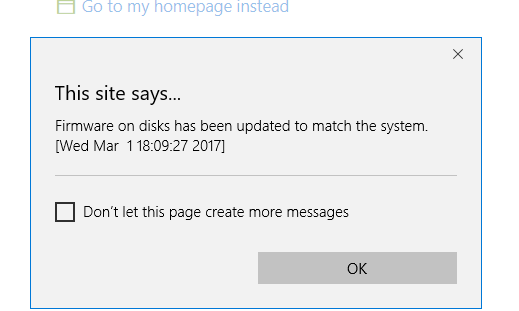
i can see it is re-booting now i will leave it to complete, many thanks for your assistance, however this has not remedied the issue, is there something i am missing. below is what i recieved
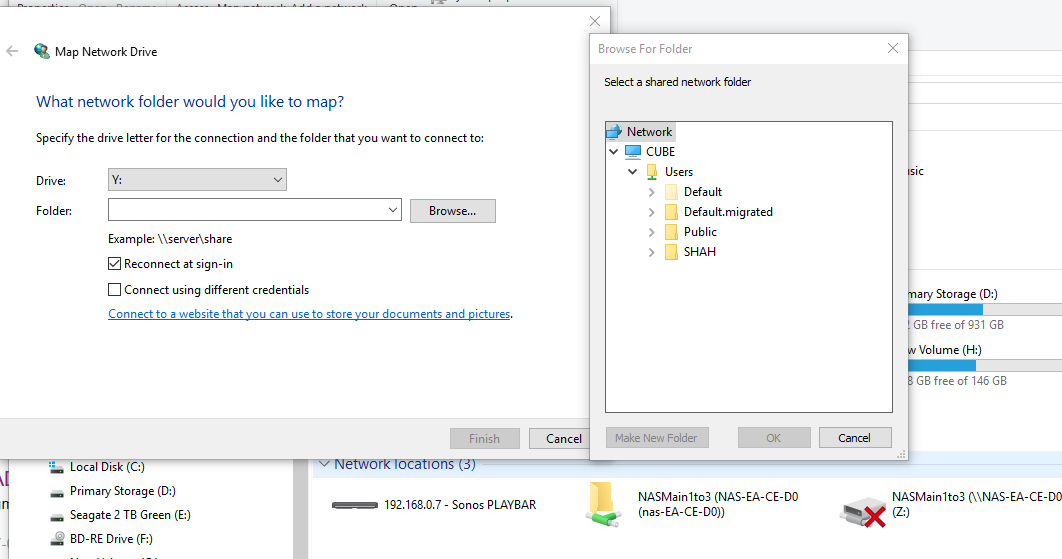
however when attempting to map the drive or using my exisitng link in windows the NAS still does not appear (raidar does show it though as per above) from the images below you can see the old drive assignment in red and the nas not mapping
- Shah079012Feb 28, 2017Aspirant
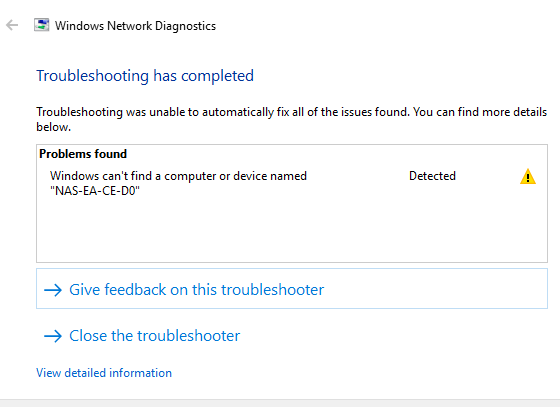
Still have the same issue I had to start “windows can communicate with the name resolution server but can’t find the host name”
- mdgm-ntgrFeb 28, 2017NETGEAR Employee Retired
Replaced the SMB config file with the default one and now the share is accessible over SMB.
- Shah079012Feb 28, 2017Aspirant
such a legend, the remote login and update of firmware and fixing the 4 gig volume that was full & the SMB thing (whatever that is) worked, sounds like some back end stuff that i could never hae done by the sounds. if it is somehting i could do though (and perhaps to inform others if they hae issues) is there a resource i can follow ?
- mdgm-ntgrFeb 28, 2017NETGEAR Employee Retired
Log rotation has been improved since 4.2.19 so hopefully the root volume on your system won't fill again.
If it does then one needs to find what's filled it and deal with that then check config files to see if they have been corrupted (due to the full root volume) and if so deal with that.
- Shah079012Mar 08, 2017Aspirant
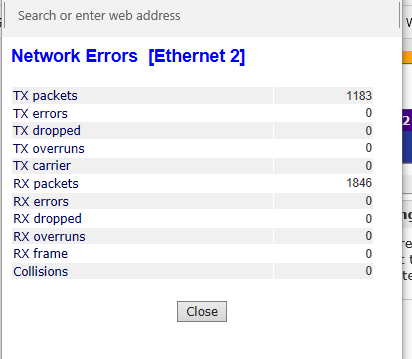
so sorry to bother you again but i hae the same issue occurring again, I have power cycled everything (router, nas and pc) but to no avail, it is exactly the same issues down to the letter in this thread.
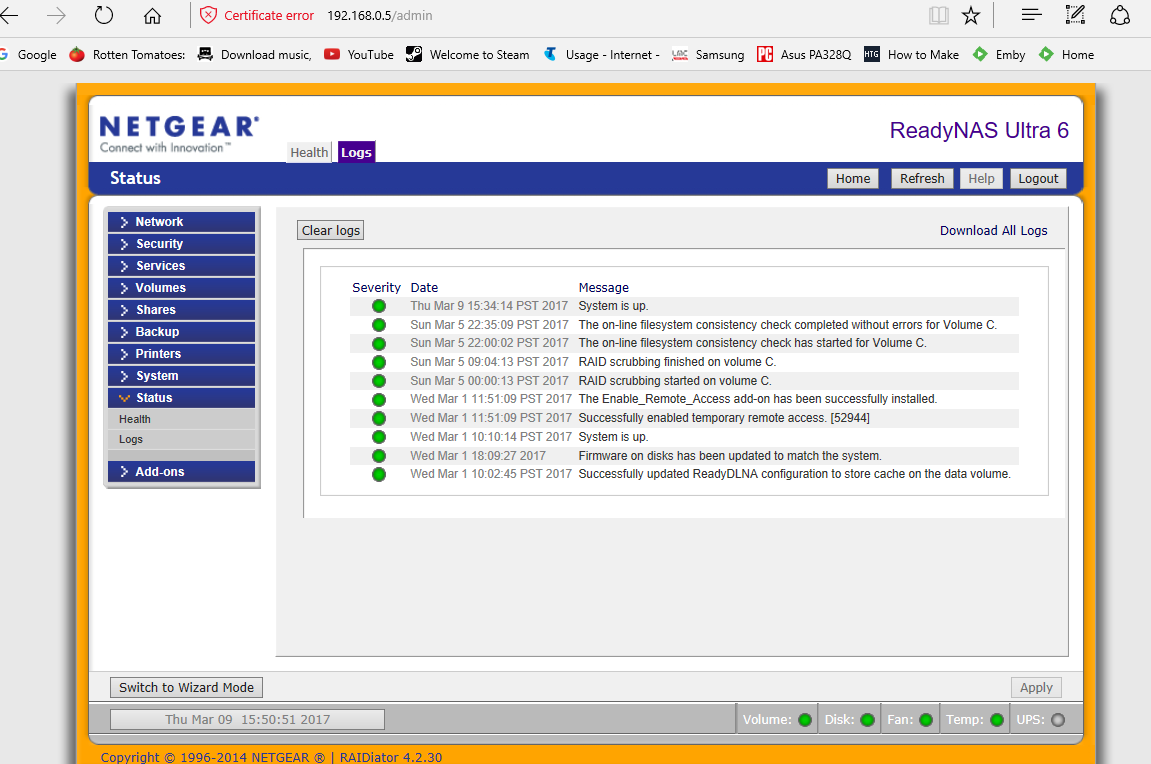
I deleted the logs in case there was an issue there (I remember last time you said there was an issue with the logs filled) and saved a screen of them in case required, you can see in the logs where you reset everything
I am now unable to access the router webpage at
readynas webpage is fine at
- Shah079012Mar 09, 2017Aspirant
does anyone please know how to do the below? preiously this was done and it sorted my porblem...
"Replaced the SMB config file with the default one and now the share is accessible over SMB".

Related Content
NETGEAR Academy

Boost your skills with the Netgear Academy - Get trained, certified and stay ahead with the latest Netgear technology!
Join Us!
