NETGEAR is aware of a growing number of phone and online scams. To learn how to stay safe click here.
Forum Discussion

ambrosecruz
May 22, 2017Aspirant
RN 214 on AD is read-only
Hello All,
Recently i have updated the firmware of the Readynas to 6.7.1.
When i try to browse the files from the Nas it is giving me only in read only mode and and i am unable to write any data on it.
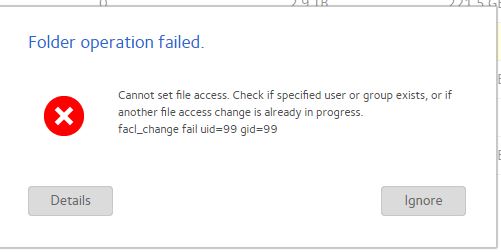
When i try to sync the authenaton i am getting the following error
.
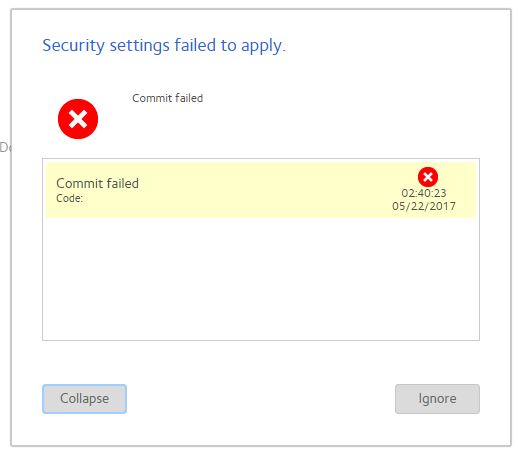
The user which is configured on NAS has the full rights on on AD and also Nas entry is being done on AD.
9 Replies
Replies have been turned off for this discussion
- xiao123NETGEAR Expert
Hi ambrosecruz,
1. For "When i try to browse the files from the Nas it is giving me only in read only mode and and i am unable to write any data on it."
Did you access share via admin UI or windows client?
2. For "When i try to sync the authenaton i am getting the following error"
Did you mean try to change share permissions?
3. Please provide your share permission settings, such as: - ambrosecruzAspirant
HI,
I try to access the files and folders from the \\192.168.*.* and the share folders opens and i usually access but now i am not write and paste the data.
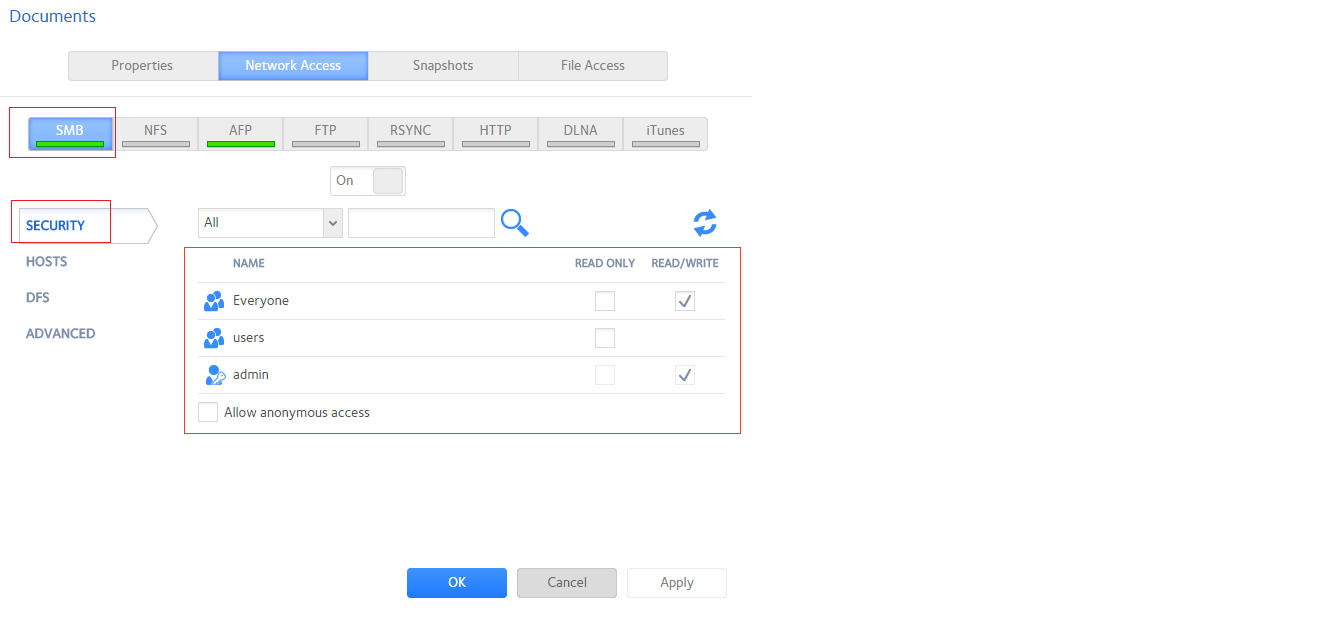
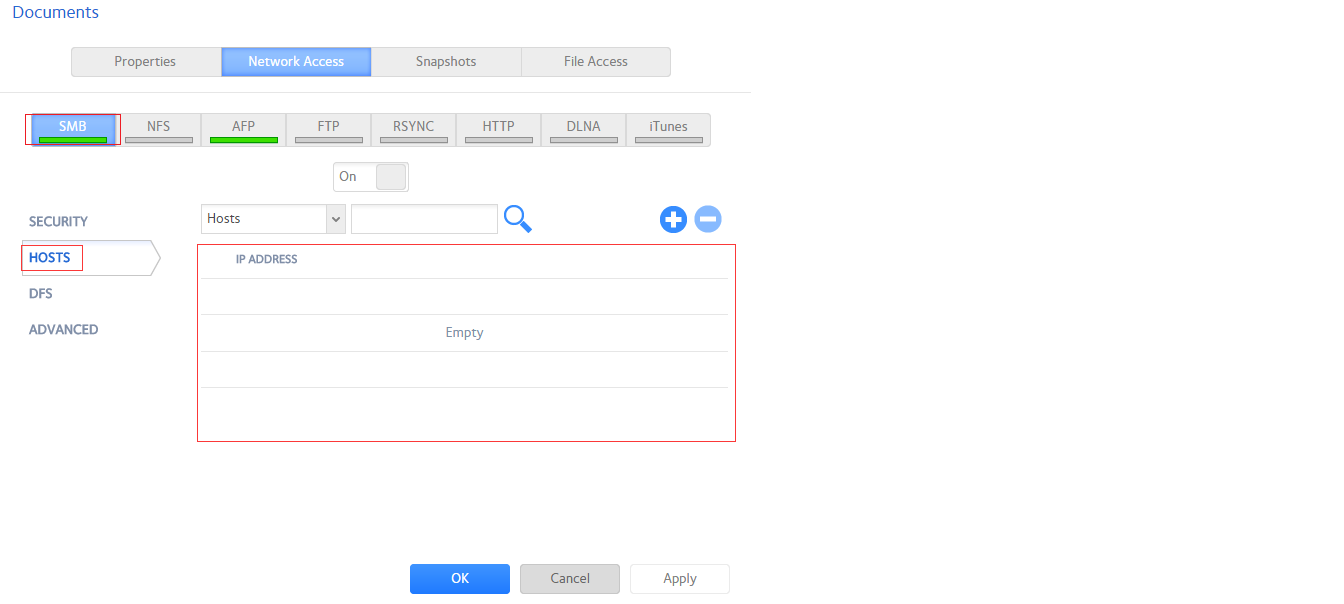
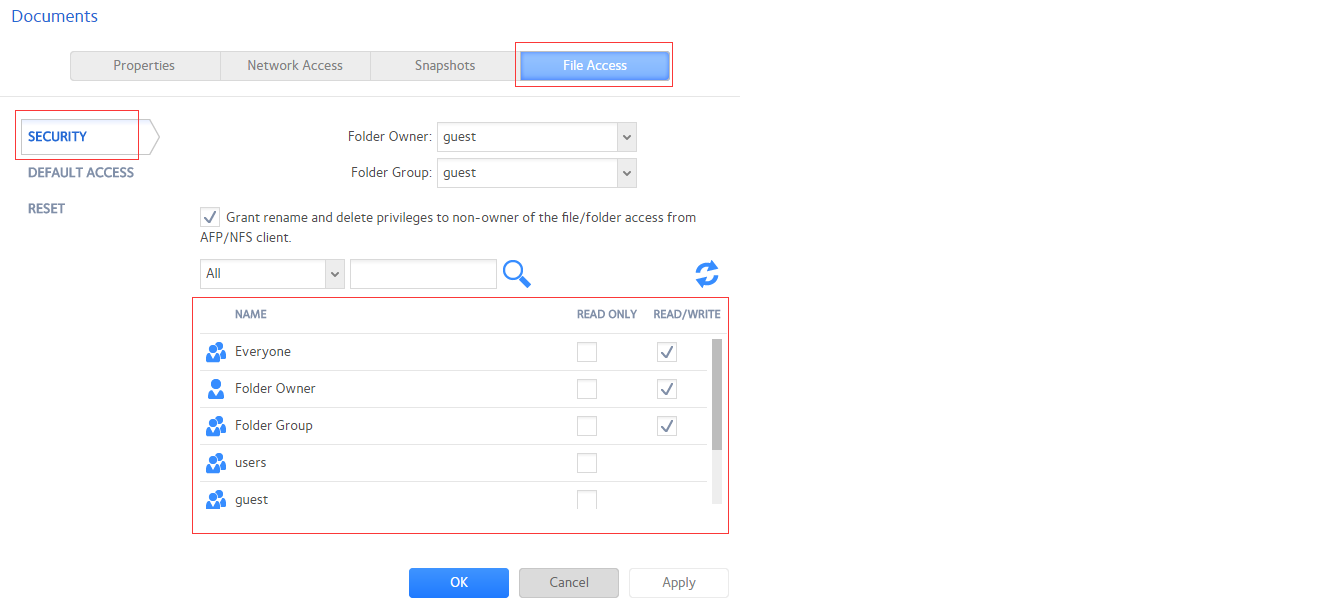
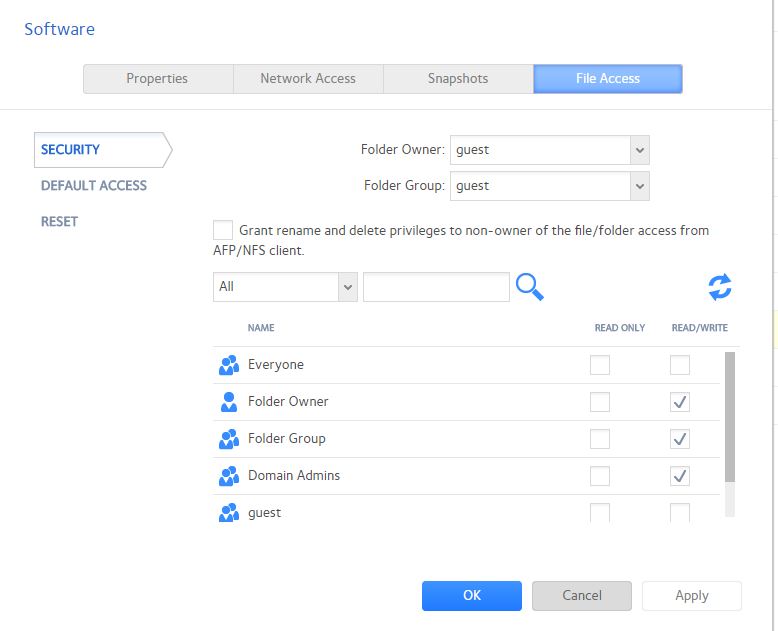
file access permission is set to according the attch file.
I am a memeber of admin group
I am trying to sync ladap and i get all the ldap users and even the nas entry is on Domain controller.
But evn if i do local authentication i am not able to paste any files.
- xiao123NETGEAR Expert
Hi ambrosecruz,
Please enable Everyone Read/Write permission, or enable the login ads user Read/Write permission at share File Access page, then try to access share, you would be able to wrtie and paste data.
- ambrosecruzAspirant
If i try to add everyone with readwrite permission i get the following error.
Related Content
NETGEAR Academy

Boost your skills with the Netgear Academy - Get trained, certified and stay ahead with the latest Netgear technology!
Join Us!
