NETGEAR is aware of a growing number of phone and online scams. To learn how to stay safe click here.
Forum Discussion

AngelaV
Feb 08, 2017Aspirant
"routerlogin.net" keeps saying I must be connected to my router's WiFi, even though I am
I was having connectivity issues with my Verizon Fios router. They sent out a technician and the problem was fixed. After my netgear wifi router was reset, I attempted to go to "www.routerlogin.com" to change my name and password back, only to get the messge, "You are not connected to your Router’s WiFi network. To access routerlogin.net, your device must be connected to your Router’s WiFi network. Check your current connection and try again."
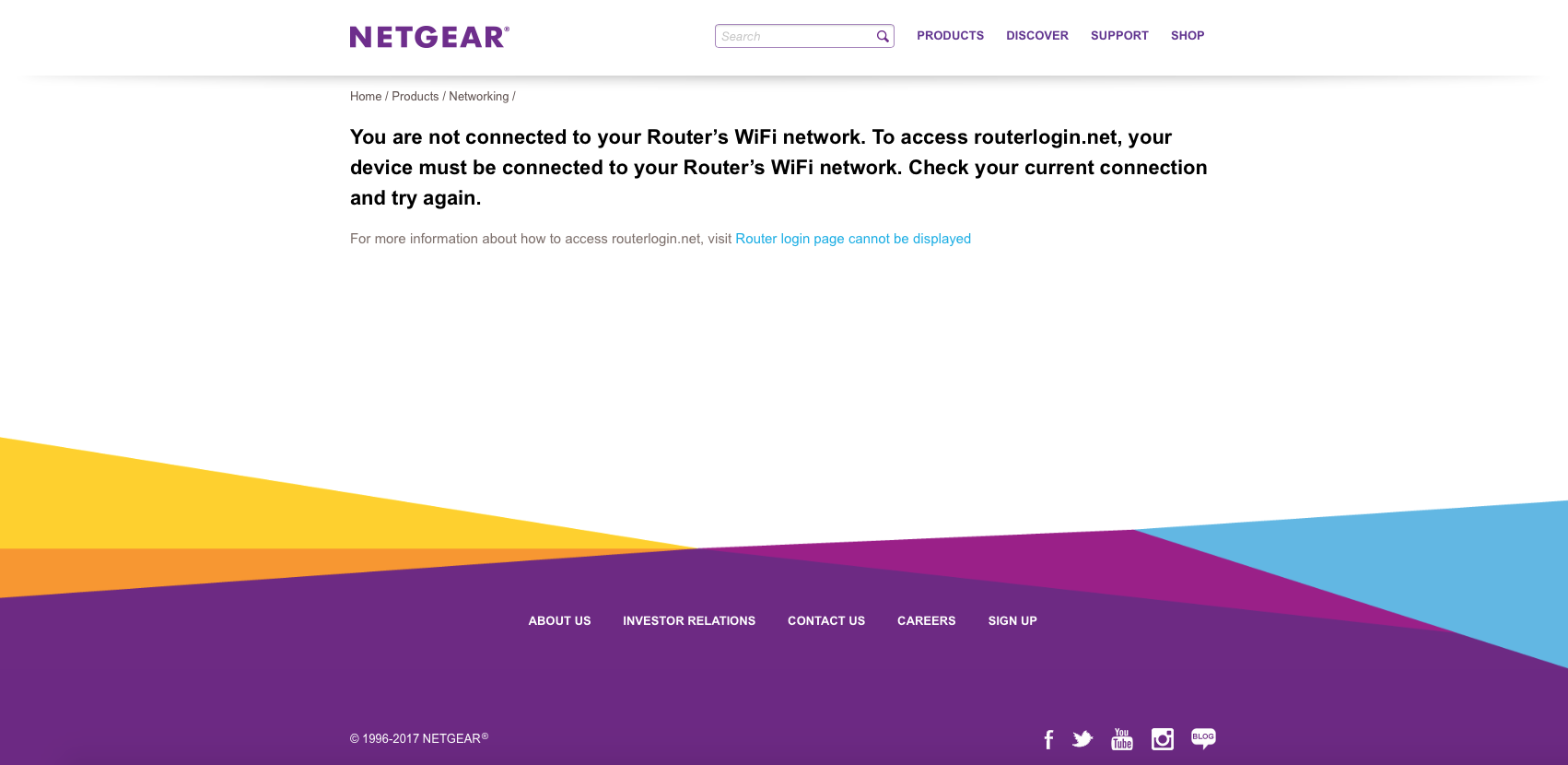
I clicked on more information and none of their suggestions worked for me. I've also perused through the community solutions and nothing worked for me. I tried the Genie app and it wouldn't allow me to login (it would just keep loading).
I found my router address and made it to the Verizon page, changed the name there but couldn't change the password. I don't want the Verizon wifi. I bought this expensive netgear equipment for a reason. I don't have any anti-virus programs (like Kaspersky) on my computer. I have a Mac. I've also tried to log in on different computers (Mac, Macbook, iPhone...) and browsers (Safari, Firefox, and Google Chrome). I've reset the router, restarted the computer, updated the computer, diasabled firewall and popups. Nada.
I'm not very well versed on technoloigcal terms so if you can please help me in lay man's terms!
Details
Computer: Mac
IP Address: 173.70.96.177
Router: 192.168.1.1
Provider: Verizon Fios
Netgear: R8500 NightHawk
- There was a white cable running from the FIOS to the NetGear. It's showed in the old pictures. The new pictures is how it's currently configured and it's worked like a dream since the removal of the white cable.
So to anyone with the same issues as mine, check your cables and make sure there aren't extras. All that's needed is the Ethernet cable connecting the FIOS router to the NetGear and the plug in from the NetGear to the outlet. Make sure you reset when removing a stray, unnecessary cable. It worked for me.
101 Replies
- William10aMaster
Have you tried a lan cable between your computer and router to log in?
- AngelaVAspirantMy router and computer are connected by an Ethernet cable. My computer is connected to the wifi and the internet works perfectly. But that message still pops up when going to that site.
- AdewaleLuminary
my observation is that routers associate with one web UI address or the other..if your router works with routerlogin.com, it won't work with routerlogin.net
i have a R8000 (X6) with 10.0.0.1 IP and it works with routerlogin.net. My R9000 (X10) on the other hand has 198.162.1.1 works with routerlogin.com. if i try to login to the router UI on routerlogin.net while connected to the X10, i get the same error message
- michaelkenwardGuru - Experienced User
Adewale wrote:i have a R8000 (X6) with 10.0.0.1 IP and it works with routerlogin.net.
Netgear says that sometimes a router will adopt that address if it sees a conflict with the modem.Or, in the manual's words:
The default IP address for the router is http://192.168.1.1. If the modem router detects a conflict with a WAN IP address, it changes its IP address to 10.0.0.1 or 172.16.5.1.
That's why you have to start a network in the right order.
Sequence to Restart Your Network
- Turn off and unplug the modem.
- Turn off the modem router and computers.
- Plug in the modem and turn it on. Wait 2 minutes.
- Turn on the modem router and wait 2 minutes.
- Turn on the computers.
The easiest way to find the correct IP address is to use ipconfig in Windows.
- AngelaVAspirantI tried both .com and .net but I get the same message.
- William10aMaster
quote{I tried the Genie app and it wouldn't allow me to login (it would just keep loading.)}
Have you tried removing or disable Genie and then try to log into the router ?
Running a antivuris program?
- AngelaVAspirantI originally tried the site without Genie (just on my browser) but when it continued not to work, I tried Genie on my phone and on my computer. It didn't work either.
- AngelaVAspirantI tried restarting the network and I still get that message, even though I am connected to my wifi and the internet is working.
- William10aMaster
It is Genie that is the problem are you running windows 10?
Genie does not always get along with other programs it is not Genies fault it is not alone other non Netgear programs have issues with windows and other programs that protect your computer it is not a new problem with computer programs.
Any updates of any type when the issue came up?
Any changes to your set up?
- michaelkenwardGuru - Experienced User
William10a wrote:It is Genie that is the problem are you running windows 10?
The new desktop Netgear Genie (Version 2.4.36) works fine here in Windows 10.
- michaelkenwardGuru - Experienced User
AngelaV wrote:only to get the messge, "You are not connected to your Router’s WiFi network. To access routerlogin.net, your device must be connected to your Router’s WiFi network. Check your current connection and try again."
This might be interesting:
Solved: Re: "routerlogin.net" keeps saying I must be conne... - NETGEAR Communities
As I read it, JamesGL, a moderator, is saying the the error message is wrong. Nothing to do with wifi.
This may also be useful:
Solved: Router not connecting to network - NETGEAR Communities
It says there:
I realized today that I had hardwired it to the computer but also was accessing it via wireless. There was a conflict. As soon as I disconnected the hard wire everything fell into place.
- AngelaVAspirantI'm using a Mac. I don't own any windows products.
- michaelkenwardGuru - Experienced User
Do you have an iThing?
There may be a genie for that. Some people use that to manage routers.
- AdewaleLuminary
michaelkenward wrote:Do you have an iThing?
Did you mean a Samsung iThing?
- AngelaVAspirantI tried to type my router number (gateway default) into the browser. It took me to Verizon and I logged in, changed my SSID, but I couldn't figure out how to change the password. It created another wifi that I can use, but it didn't change the name of my NetGear router. So that wasn't helpful.
As for the wiring, I'm connecting wirelessly. I even tried to disconnect my Verizon router from my Netgear but that still didn't fix the issue (so I reconnected).
And let me just say, I was so desperate to get this fixed that I called the NetGear customer "service". They asked me for information only to tell me that they wanted to charge me in order to help me. I already paid a bunch for this router (that works fine, I just can't change the name) and I wasn't going to pay more.- William10aMaster
AngelaV wrote:
I tried to type my router number (gateway default) into the browser. It took me to Verizon and I logged in, changed my SSID, but I couldn't figure out how to change the password. It created another wifi that I can use, but it didn't change the name of my NetGear router. So that wasn't helpful.
As for the wiring, I'm connecting wirelessly. I even tried to disconnect my Verizon router from my Netgear but that still didn't fix the issue (so I reconnected).
And let me just say, I was so desperate to get this fixed that I called the NetGear customer "service". They asked me for information only to tell me that they wanted to charge me in order to help me. I already paid a bunch for this router (that works fine, I just can't change the name) and I wasn't going to pay more.The wifi is still turn on the modem/router not just a modem from the isp it needs to in bridge mode or wireless turned off so only the netgear sees wifi and can access.
Almost every modem supplied by a isp has a router in it today.
- AngelaVAspirantI do not have iThing. I actually had to look that up cause I've never heard of it.
- michaelkenwardGuru - Experienced User
AngelaV wrote:
I do not have iThing. I actually had to look that up cause I've never heard of it.It is just my way of referring to iPhone, iPad or iWhatever.
Netgear isn't great at supporting iStuff, unlike Android, well up to a point, but anything with a browser should be able to get into the web interface of a modem or router. Quite how much you can do when you get there depends on the device.
- AdewaleLuminary
your verizon FiOS is a modem/router so i belive you're not connected to your router but you are accessing the internet through the FiOS. a second possibility is that your Netgear router has been configured as an access point
Solution:
1. disable the router function of the FiOS so you can isolate your Netgear router signals (assumption is that your router is not working as an AP).
2. if you have to, do a hard reset on your router, switch off the wifi adapter on your macbook and connect to the netgear router via an ethernet cable. and try to login to the router UI again
