NETGEAR is aware of a growing number of phone and online scams. To learn how to stay safe click here.
Forum Discussion

AngelaV
Feb 09, 2017Aspirant
"routerlogin.net" keeps saying I must be connected to my router's WiFi, even though I am
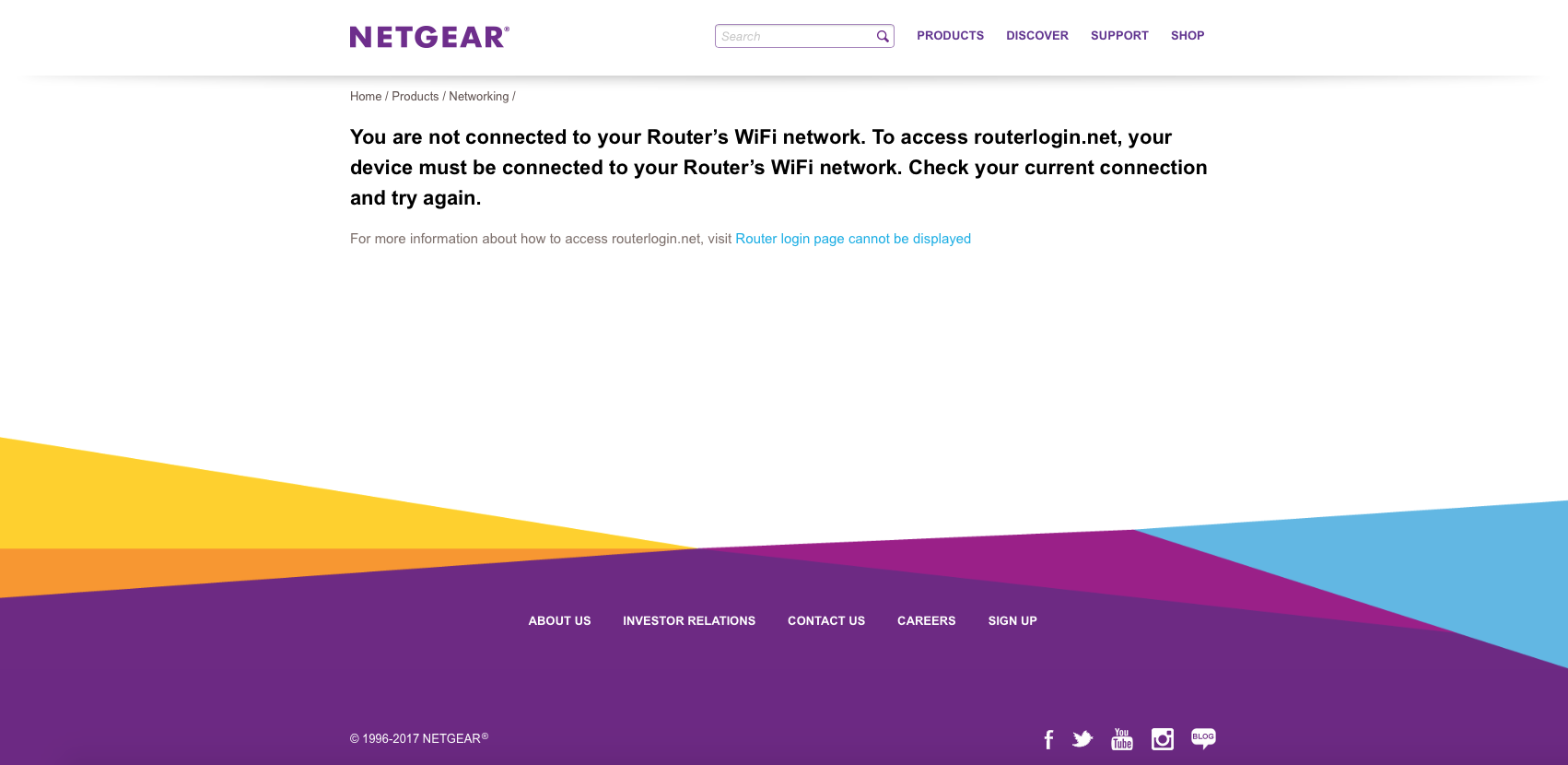
I was having connectivity issues with my Verizon Fios router. They sent out a technician and the problem was fixed. After my netgear wifi router was reset, I attempted to go to "www.routerlogin.com" to change my name and password back, only to get the messge, "You are not connected to your Router’s WiFi network. To access routerlogin.net, your device must be connected to your Router’s WiFi network. Check your current connection and try again."
I clicked on more information and none of their suggestions worked for me. I've also perused through the community solutions and nothing worked for me. I tried the Genie app and it wouldn't allow me to login (it would just keep loading).
I found my router address and made it to the Verizon page, changed the name there but couldn't change the password. I don't want the Verizon wifi. I bought this expensive netgear equipment for a reason. I don't have any anti-virus programs (like Kaspersky) on my computer. I have a Mac. I've also tried to log in on different computers (Mac, Macbook, iPhone...) and browsers (Safari, Firefox, and Google Chrome). I've reset the router, restarted the computer, updated the computer, diasabled firewall and popups. Nada.
I'm not very well versed on technoloigcal terms so if you can please help me in lay man's terms!
Details
Computer: Mac
IP Address: 173.70.96.177
Router: 192.168.1.1
Provider: Verizon Fios
Netgear: R8500 NightHawk
- There was a white cable running from the FIOS to the NetGear. It's showed in the old pictures. The new pictures is how it's currently configured and it's worked like a dream since the removal of the white cable.
So to anyone with the same issues as mine, check your cables and make sure there aren't extras. All that's needed is the Ethernet cable connecting the FIOS router to the NetGear and the plug in from the NetGear to the outlet. Make sure you reset when removing a stray, unnecessary cable. It worked for me.
101 Replies
- AngelaVAspirantI'm not very knowledgeable on this topic so I don't know if I'll answer this well.
I'm connected to the Netgear network and I can access the Internet just fine. Our FIOS had crapped out and we hadn't been able to connect to the Internet. Now that the router has been replaced, the Internet works again.
I have no idea how to disable FIOS router function either. And we'd prefer not to mess too much with the FIOS because they just sent us a new router and fixed it, and if it craps out again we get charged by Verizon.- LeeHProdigy
If you call your ISP (Verizon), they should be able to configure your modem as a bridge instead of being a router remotely at no charge to you.
- William10aMaster
Bright house modems also have a router made in to them you can access at a limit level to get some control but if you use both the modem and router functions you paids rental fees on both.
- AngelaVAspirantBut would doing that help the situation with the NetGear router login?
- William10aMaster
If the modem/router is in bridge mode the router including it's wifi will be disable and the Netgear router can function normally.
Get the make and model of your modem and down the manual for it or you may have to your isp set the modem to bridge for you depending on the degree of control they have over the modem.
- michaelkenwardGuru - Experienced User
AngelaV wrote:
But would doing that help the situation with the NetGear router login?Excellent question. The answer you got is not clear to me. It looks like a major detour from the issue in hand. I fear that we are getting lost in a fog of confusion.
Let's get back to basics. Things seem to be working, so do you really need to change anything?
Oh, and your first message referred to a "Verizon Fios router". I assume that this is a modem/router.
Did you follow this:
Re: "routerlogin.net" keeps saying I must be conne... - NETGEAR Communities
when you restarted the network? The order is important when you have a modem and a router talking to each other.
- AngelaVAspirantYes, the Verizon is the modem/router. And I did indeed follow the order as written: everything off, turn on modem and wait a few minutes, turn on NetGear and wait a few minutes, then turn on computer.
I wanted to change the name and password because I have extenders that are already connected to the previous name. It would've made my life easier if I got the router login to work. I also have a ridiculous default password that I would prefer not to have. Especially since my parents can't even remember the last one we had.
But I'm coming to the end of my rope. I'll probably have to deal with it, which is disappointing considering how expensive this NetGear equipment was.- William10aMaster
Please follow the logic
1= When you log in wireless you get the modem/router not the netgear router.
2= When the modem/router was install they want you to use their router as your main router (Bright House) a seprate rental fee for the modem and another if you use the router function as well which is a rap off.
3=You need only the netgear to be your wifi router so the router in your modem has to lose it's wifi.
4= If your modem is in bridge mode it's router is disable but allowing you to have the internet.
5=The biggest problem the amount of control your allowed over the modem most limit to you to just a few basic settings by your isp but they can handle the bridge mode part.
6 When the netgear router can access by wifi wired is better you set up your network the way you want it.
- AdewaleLuminary
i already gave you the solution to this problem many posts ago and a few others have also pointed you in the right direction but here goes again. From everything you have posted, the following observations are your most likely situation
a. Verizon has configured your Netgear router as an Access Point so it is not working as an independent router and the UI is not accessible by the factory IP address from Netgear or (routerlogin.net or routerlogin.com) but at the IP address supplied by the Verizon FiOS when the router was programmed as an AP
Solution
1. disconnect the ethernet cable that runs from the FiOS to the Netgear router
2. do a hard Reset on your Netgear to allow the router work as an independent router
3. Plug back the ethernet cable BUT make sure it is plug into the YELLOW jack on the back of the Netgear router
4. Connect to the Netgear router wirelessly and you should be able to access the router UI via the default IP address
In order for routerlogin.com or routerlogin.net to work, you need to be connected to either the Netgear's Ethernet or Wi-Fi network. Every indication is that you are not. Instead, you appear to be connecting to your Verizon router's Wi-Fi network. routerlogin.com/routerlogin.net won't work in this case.
- AngelaVAspirantI don't recall this being talked about, and if that's the case then that means I had no idea what you were talking about. I have zero knowledge about tech (I still don't know what you mean by UI).
Verizon told us not to screw with their router much or we could lose our internet connectivity. They said the routers were in conflict and that's why the internet went down. I don't believe what they're saying but I'm also fearful of screwing with it too much because I will be charged if something goes wrong.
For your possible solution, at what point do I attempt to go to router login? At the end?- William10aMaster
AngelaV wrote:
I don't recall this being talked about, and if that's the case then that means I had no idea what you were talking about. I have zero knowledge about tech (I still don't know what you mean by UI).
Verizon told us not to screw with their router much or we could lose our internet connectivity. They said the routers were in conflict and that's why the internet went down. I don't believe what they're saying but I'm also fearful of screwing with it too much because I will be charged if something goes wrong.
For your possible solution, at what point do I attempt to go to router login? At the end?UI means users intreface the control panel of the router.
What's why I said the Isp could handle the modem setup part.
The modem can be placed into a bridge mode for the netgear router work as router or the netgear router has to be a access point to allow the modem's router be your router.
Have you tried a lan cable from computer to the netgear router and see if you can log in?
I know that you all apple products.
- michaelkenwardGuru - Experienced User
AngelaV wrote:
I don't recall this being talked about, and if that's the case then that means I had no idea what you were talking about. I have zero knowledge about tech (I still don't know what you mean by UI).That's the "user interface". Usually it is the browser you use to get at things.
AngelaV wrote:
They said the routers were in conflict and that's why the internet went down.That's what TheEther and Adewale are saying. The two boxes are fighting for control of your network.
Everything you connect to your own network has to have a local address so that the network knows which device it is talking to. (That address is the IP Address.)
One of those boxes has to be in charge of handing out local addresses. Ideally it is the router. But if the modem thinks that it is in charge, then the router can get confused.
The link you first tried, www.routerlogin.com, is really just a local address on your network. (As Adewale says, it is usually the same things as typing in 198.162.1.1.)
The problem is that other router makers also use that address: 192.168.1.1
So, with two devices, where should the browser go when you type that in?
When everything is working as planned, those addresses will take you to the "user interface" of your router. It is just a set of web pages that let you fill in various settings. That is also where you set up the wifi SSID and passwords.
The trouble seems to be that the conflict between the Verizon Fios modem/router and the router means that www.routerlogin.com isn't pointing anywhere. Someone stuffed up the letterbox.
The conflict between the Verizon Fios modem/router and the Netgear router is why Adewale suggested disconnecting the router from the modem and then working on the router on its own.
Re: "routerlogin.net" keeps saying I must be conne... - Page 2 - NETGEAR Communities
You can do that, change any settings you want, and then plug it back into the modem.
Earlier on I explained how the modem and router might have started fighting over who is in charge. (It is down to the order in which you started things.)
I also gave you one strategy that can restore harmony to these devices:
Re: "routerlogin.net" keeps saying I must be conne... - NETGEAR Communities
Before you do any of those things, you'll probably have to reset the router to its factory settings. That's just a way of saying you need to tell it to forget the stuff that is confusing it.
It isn't obvious to me that you have done what is probably the simplest thing of all. Reset it to the factory settings, and then follow the instructions in the setup guide.
I have just noticed that as far as I can see you haven't said what the model number of your Netgear router is. I ask because I wanted to give you a link to the setup guide.
- AngelaVAspirantI have all Apple products (iPhone, iPad, Mac, MacBook, etc...)
- AngelaVAspirantI tried an Ethernet cable from the NetGear to the computer and it didn't work for me.
The only thing I haven't tried is the suggestion of disconnecting the Ethernet from NetGear and doing a reset. I'm nervous that it'll mess with the Verizon router and we'll be back to where we were a few days ago (with no internet).- William10aMaster
you should be able reset the netgear router with the lan cable disconnected from isp modem with causeing any problems.
If your internet is working and just the ssid and passphrease need to be change to what you want.
Why not call your isp and let set them to you want that way if they mess it up they have to fix it.
I seem to recall that is what started this posting after they setup the modem and router for you.
Yes in the very first posting you tried to change your password back and get the message about the wifi.
Not passing the issue off on to someone else but the isp knows their modem/router and what changes to make it work right without making poster lose internet service.
- AngelaVAspirantMy Internet just crashed again so I can't even access the router login anymore. I suppose I have nothing to lose now and will attempt to disconnect the cable between FIOS and NetGear and do a reset of NetGear. I'll let everyone know if it works or not.
- William10aMaster
Good luck which modem/router did you recieve from your isp?
Have they check the event log check on the modem it is a log of errors recorded on the modem it's self to see why it is dropping the internet.
 StephenBGuru - Experienced User
I also use FIOS. If you are using FIOS and their cable TV, then you need to use their router first. Their router is providing the program guide, video on demand to their set top boxes, and is needed with their DVR.
You connect the ethernet cable from the FIOS ONT to the FIOS router's internet/wan port. Then connect a second ethernet cable from one of the FIOS router's LAN ports to the Netgear router's Internet port. Then connect the PC ethernet to one of the Netgear router's LAN ports.
If you have this set up correctly, then you should be able to access the Netgear router's web page by entering http://10.0.0.1 in your web browser, and you should be able to reach the FIOS router by entering http://192.168.1.1 in your web browser. You should also be able to reach the internet.
Using both routers back-to-back is called double-NAT. It works, but some advanced features (like port forwarding) become more complicated to set up. I use double-NAT myself, but if you wish you can turn off the routing features in the Netgear router by switching to "access point mode". This means you'd use if tor wifi, but not for routing. There is a guide here: https://kb.netgear.com/24104/How-do-I-change-my-Nighthawk-router-to-AP-mode-after-I-ve-already-run-setup?cid=wmt_netgear_organic. I recommend getting the double-NAT setup working first though.
- AngelaVAspirantWe don't use Verizon for cable. We have DIRECTV.
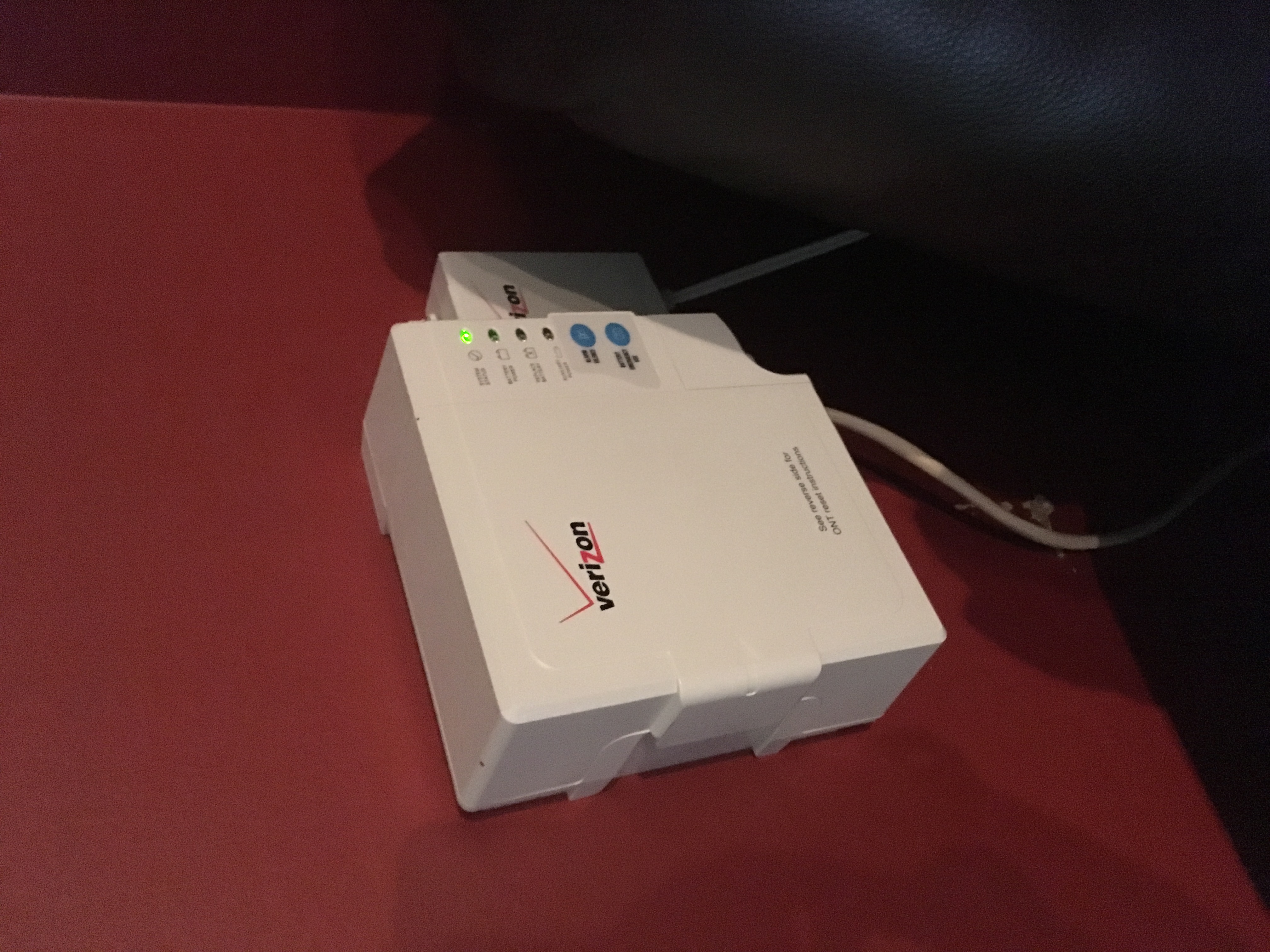
I'll attempt your method as soon as I can. - AngelaVAspirantSo my ONT (which, from my internet searches, is the bulky box Verizon installed on my wall) is too far from the computer to get an Ethernet cable connected. But most importantly, there's no way to connect an Ethernet cable to it. It doesn't have an opening for any cables to be connected to it. Plus, I believe my ONT is much smaller than you expected because it doesn't provide cable.
UPDATE: I miraculously got into the router login on my iPhone, through the Genie app. I changed the name and password quickly. It worked (and I couldn't go back into the setting afterward so it was pure luck). Now, the NetGear wifi just isn't working. We connect to the network but it's so slow that the connection times out. So changing the name and password, which was my original goal, has now caused the wifi to crash.- William10aMaster
From I could find the ont could be a big box to a small box inside or outside but it be near a source of power can you take a picture and maybe find a model and make?
- AngelaVAspirant
My ONT is a small box inside of our home (in our living room), near a wall outlet. It's in the same room as our FIOS router but they're on opposite sides.
- AngelaVAspirantSince I reset it, the wifi works again but I still cannot log in to router login (or use the default IP) to change the name or password.